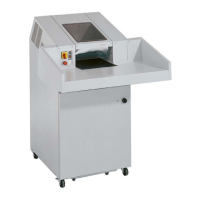
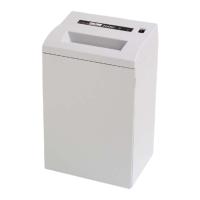
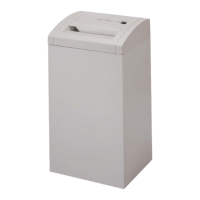
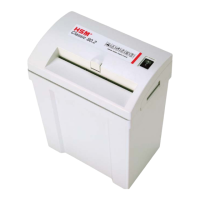
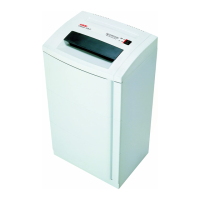
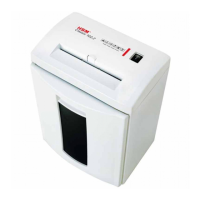
HSM 225.2 Paper shredder
Mainte nan ce and ser vi ce work
may be per for med on ly by:
• HSM cu sto mer ser vi ce
• spe cial ly trai ned staff
(e.g. qua li fi ed electri cians)
• ser vi ce tech ni cians from our
con tracting part ners
4. Installation
• This paper shredder should never be
placed near or over a radiator or heat
source.
• The ventilation slots must not be blocked
or covered and they must be at a distance
of at least 10 cm away from walls or furni-
ture.
• Make sure the mains plug is easily acces-
sible.
• Before plugging in the mains plug, check
that the voltage and frequency of your
local mains supply correspond to those
stated on the type plate.
Before start-up:
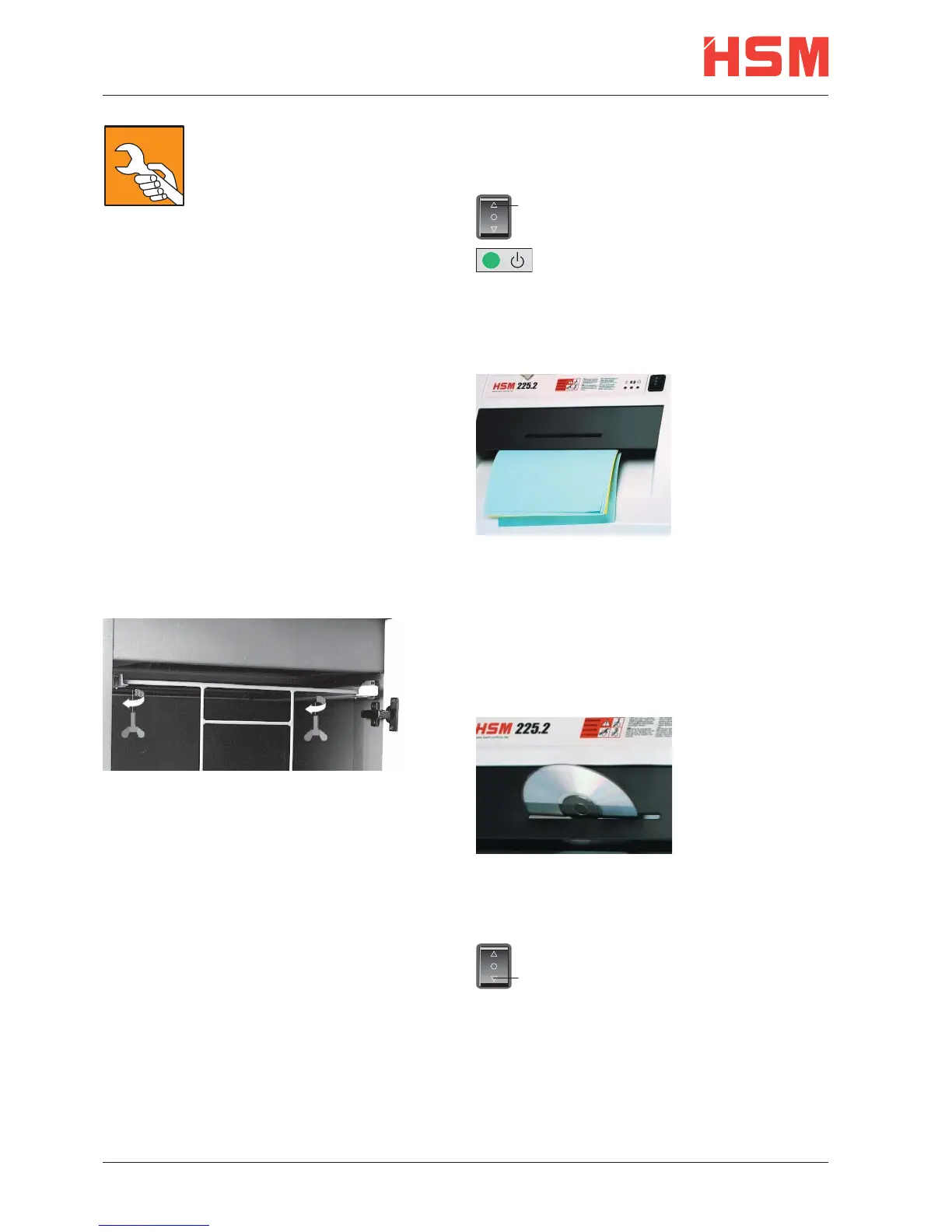
Undo the wing screws securing the unit du-
ring transportation.
5. Scope of delivery
• Paper shredder, ready for connection, in
carton packing
• 5 Bags for shredded material
• Special cutting block oil 50 ml (cross cut)
• Operating instructions
Acces so ries:
• Bag for shredded material,
order No.: 1.410.995.000
• Special cutting block oil 250 ml,
order No.: 1.235.997.401
6. Put ting in to ope ra ti on
Switching the paper shredder on
1
• Press rocker switch pos. 1.
• Rocker switch locks in.
• Green LED lights.
• Paper shredder is ready for ope-
ration (standby).
Feed paper
See „Technical
data“ for sheet
capacity.
• The shredding
pro cess is star ted
by a pho to –cell in
the paper feeding
opening.
• When the paper
fee ding opening is free again, the cut ting sy-
stem au to ma tical ly swit ches off af ter app rox.
3 sec. and returns to standby.
Shredding CDs and disks (see “Pro-
per Use”)
Feed CDs and
disks through the
slot in the safe-
ty element. This
protects you from
splinters.
Swit ching paper shredder off
• Tap rocker switch pos. 2.
• Rocker switch resets to zero
2
position.
8 english 0510


 To Next Page