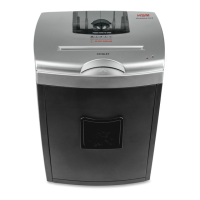
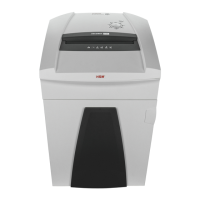
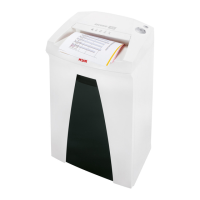
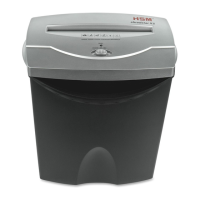
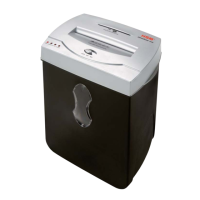
Paper shredder HSM 386.2
7. Troubleshooting
8. Maintenance and care
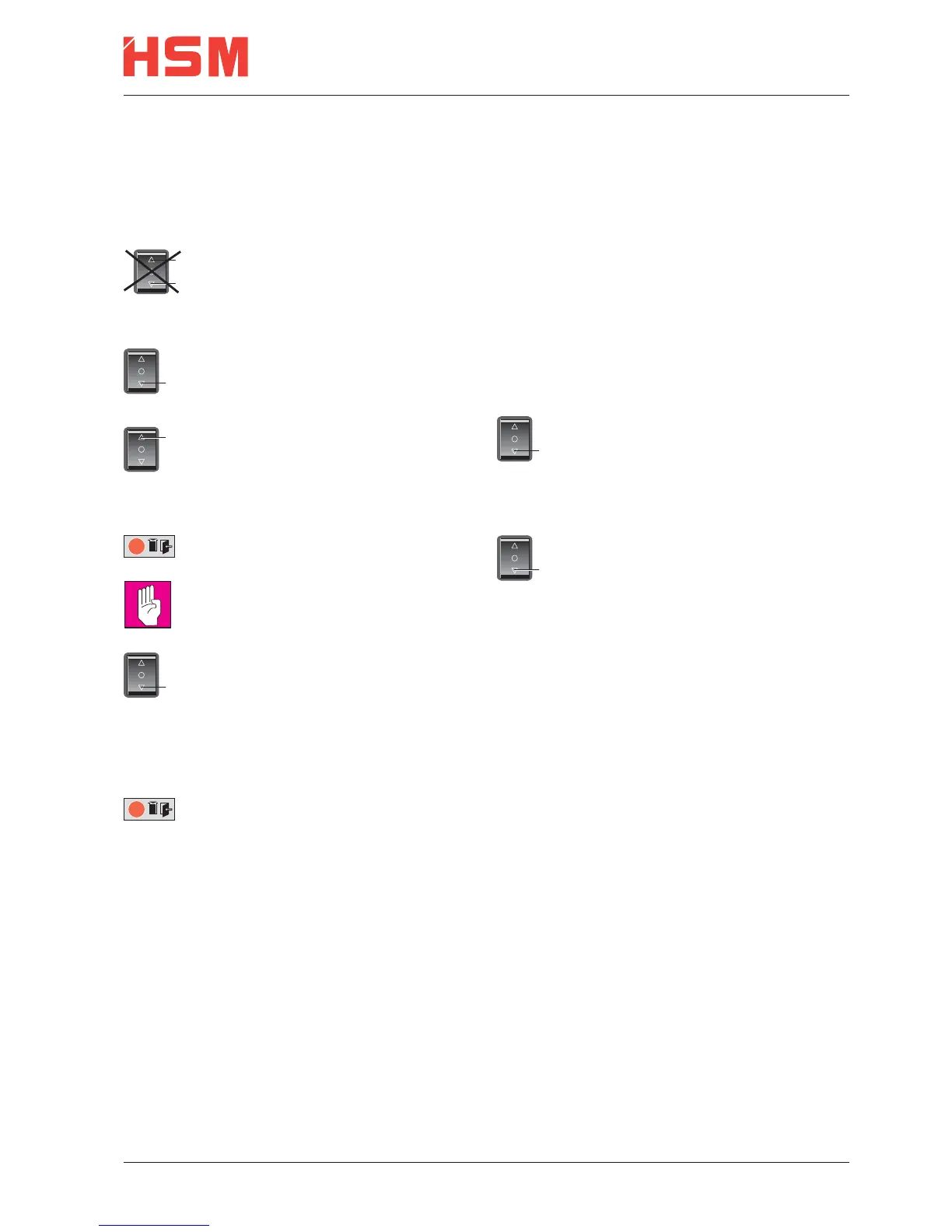
Pa per jam
Cleaning:
You have fed in too much paper.
• Switch off the shredder, pull out the mains
Caution!
1
Do not press rocker switch alter-
2
nately forwards/backwards
(pos. 1 / pos. 2):
Cutting unit can be damaged.
• Press and hold down rocker
2
switch pos. 2.
• Pa per is pus hed out.
• Se pa ra te pa per stack.
1
• Press rocker switch pos. 1.
• Feed pa per successively.
Cut material container full
• Red LED on control panel lights.
• Paper shredder switches off
Empty the cut material container,
because if it is too full, malfunc-
tions can occur in the cutting sys-
tem
• Tap rocker switch pos. 2.
2
• Remove full shredded material
bag and insert new bag.
Door contact interrupted
• Red LED on control panel lights.
• Paper shredder switches off.
• Check whether front door is
closed properly.
If other faults occur, please check the follo-
wing before calling our customer service:
• Is mains plug in ser ted?
• Is rocker switch tur ned on?
• Is the mo tor over lo aded?
al low mo tor to cool down for 15 - 20 min.
plug.
• When cleaning only use a soft cloth and a
mild soap-water solution. Never use scou-
ring agents, cleaning fluid, petroleum or
thinners.
When the cutting capacity drops or
the noise increases (Cross cut):
• Switch paper shredder off:
Tap rocker switch pos. 2.
2
• Spray special cutting block oil th-
rough paper feed opening across
the whole width of the cutting
system blades.
• Run cutting system backwards
2
(pos. 2) without feeding paper.
• Paper dust and particles are
shaken off.
0510 english 9



 To Next Page