10 Profi Pack P425 05/2022
english
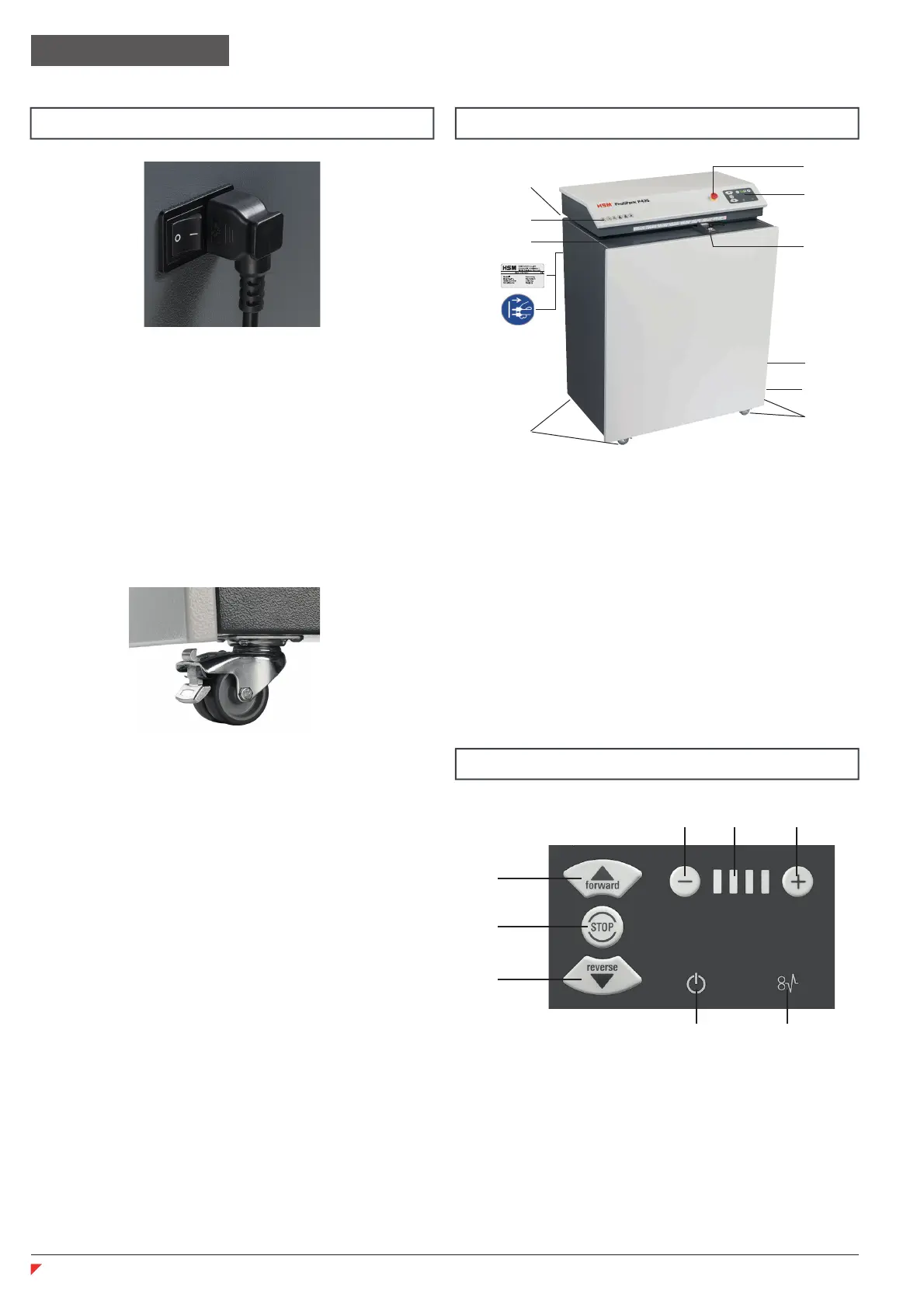
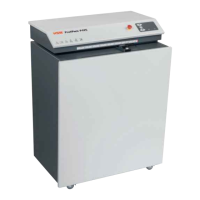
1 Feed opening
2 Safety notice
3 Warning sticker / type plate
4 Operator control panel
5 Emergency stop button
6 Limit stop
7 Rolls
8 “Slide” fl ap
9 Connection for suction device
10 Cable holder
4 Overview
5 Display and control panel
1 Forward button
2 Stop button
3 Reverse button
4 Settings buttons
5 “Speed” display
6 “Ready for operation” display
7 “Blockage” display
Connect the power cable to the machine.
The machine must be connected to a power
source which meets the specifi cations on the
nameplate. Make sure that the power cable
is unobstructed and that nobody can tread
on it. Connect the power plug of the machine
into a properly installed socket.
3 Transportation and installation
• Lock the front castors by pressing
down the brake lever.
1
3
2
4 45
6 7
Note:
The HSM Profi Pack 425 can also be sup-
plied with a built-in suction device.
Using a suction device you can extract dust
while processing the cardboard.
If your device has the built-in suction device,
there is a connection for the suction device
on the right side (9).
If your device does not have this apparatus,
you can fi t the components later when
needed.
Profi Pack conversion kit:
Order number x.xxx.xxx.xxx
Dust extractor:
Order number 2.412.111
1
3
5
7
7
2
4
6
8
9
10


 To Next Page