EasyManua.ls Logo

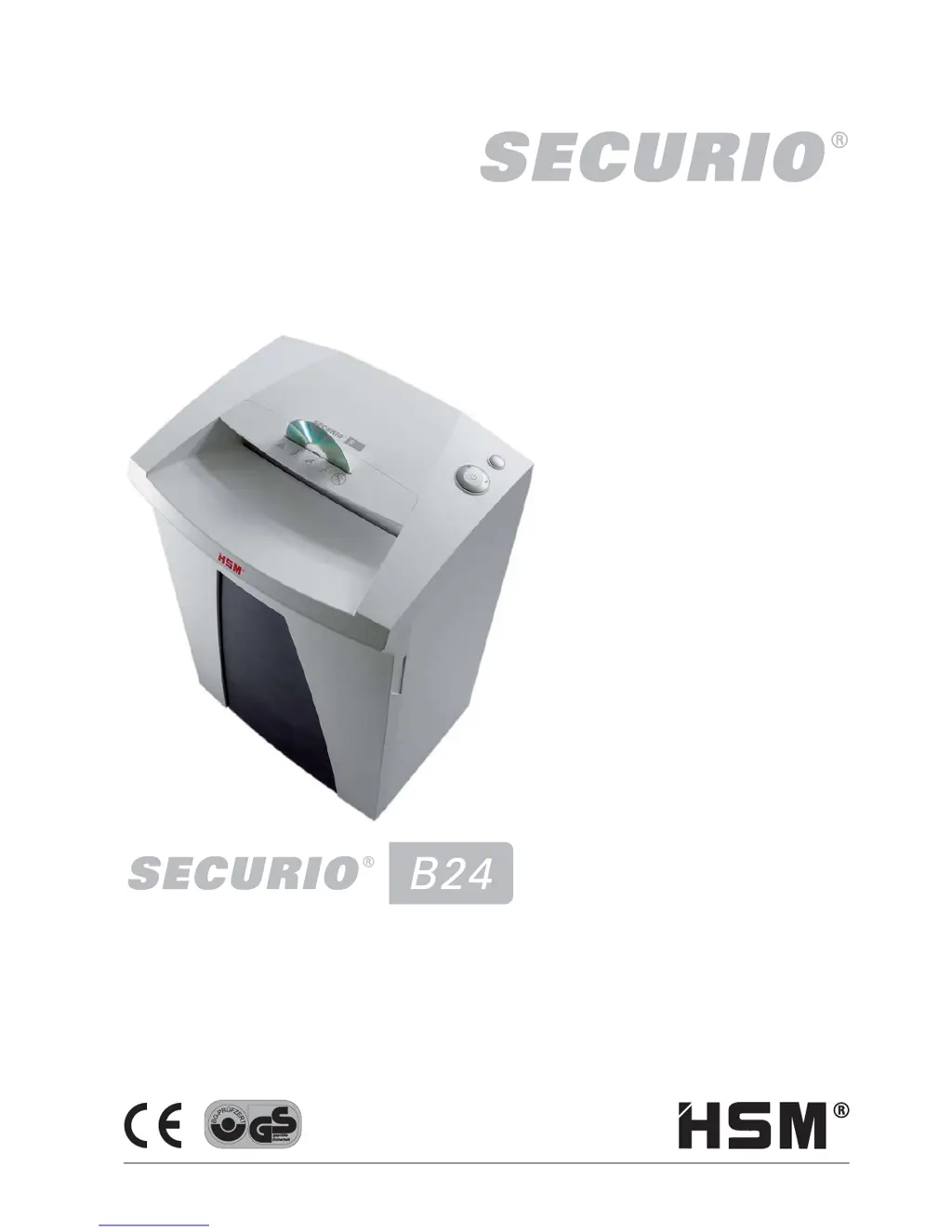
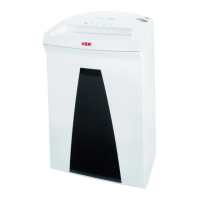
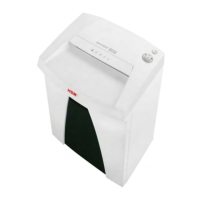
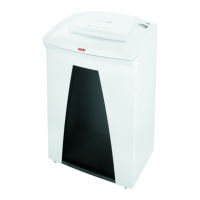
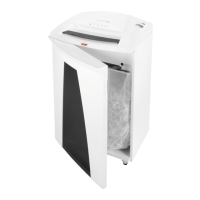
HSM Securio B24 - User Manual

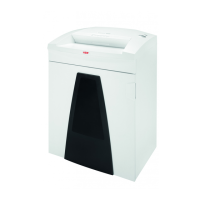
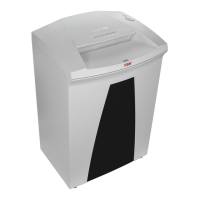
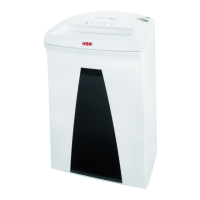
HSM Securio B24
7 pages
Print Icon
To Next Page IconTo Next Page
Loading...
SCHÖN SICHER.
BETRIEBSANLEITUNG
AKTENVERNICHTER
OPERATING INSTRUCTIONS
PAPER SHREDDER
NOTICE D‘UTILISATION
DESTRUCTEUR DE DOCUMENTS
MANUALE OPERATIVO
DISTRUGGIDOCUMENTI
INSTRUCCIONES DE SERVICIO
DESTRUCTORA DE DOCUMENTOS
INSTRUÇÕES DE OPERAÇÃO
DESTRUIDORA DE DOCUMENTOS
GEBRUIKSAANWIJZING
PAPIERVERNIETIGER
BRUGSVEJLEDNING
MAKULERINGSMASKINE
BRUKSANVISNING
DOKUMENTFÖRSTÖRARE
KÄYTTÖOHJE
PAPERINSILPPURI
BRUKSANVISNING
MAKULERINGSMASKIN
1.780.998.100 – 0804
http://www.monomachines.com

Questions and Answers

  • E
    Eric StevensonJul 25, 2025
    What to do if my HSM Paper Shredder is overloaded?
    • M
      meltontimothyJul 26, 2025
      If your HSM Paper Shredder is overloaded, it means the motor has been working too hard. To resolve this, let the shredder cool down for approximately 15–20 minutes before using it again.
  • B
    Brandon TaylorJul 31, 2025
    How to fix a paper jam in my HSM Securio B24 Paper Shredder?
    • J
      Joseph SalazarJul 31, 2025
      If your HSM Paper Shredder has a paper jam, it likely means you've fed in too much paper at once. The shredder should automatically run in reverse for a few seconds, pushing the paper back out. If it doesn't, press the reverse button “R” to remove the stack. Reduce the stack by half, and feed the paper in smaller portions.
  • H
    hannahadamsAug 7, 2025
    What to do if the shredded material container is full in my HSM Paper Shredder?
    • N
      nathan34Aug 7, 2025
      If the shredded material container of your HSM Paper Shredder is full, you need to empty it. Briefly pressing the reverse button before removing the container can help pull some of the material back into the cutting apparatus, preventing it from falling out of the document shredder.
  • D
    dennis06Aug 13, 2025
    What to do if my HSM Securio B24 displays a general fault?
    • J
      Julie JonesAug 13, 2025
      If your HSM Paper Shredder is showing a general fault display, it indicates an issue occurred while shredding. Clear the light barrier by pulling the paper out of the slot.
  • C
    Christopher MitchellAug 19, 2025
    Why does my HSM Paper Shredder say 'container open'?
    • H
      hnortonAug 19, 2025
      If your HSM Paper Shredder indicates 'container open', it means the shredded material container is not correctly inserted. Ensure that you correctly insert the shredded material container into the base cabinet.

Summary

Proper Use and Warranty

Shredding Capabilities and Warranty

Details on shredder design, materials, and warranty.

Safety Instructions

General Safety Precautions

Essential safety precautions for operating the shredder.

Machine Components

Component Identification

Identifies key parts of the shredder.

Operation Guide

Starting and Stopping the Shredder

Step-by-step guide for starting and stopping.

Shredding Different Materials

Instructions for shredding paper, CDs, and cards.

Advanced Operation Modes

Special Function Modes

Explains brief and permanent shredding modes.

Power Saving Modes

Details on sleep and auto-shutdown features for energy saving.

Troubleshooting

Problem Resolution

Solutions for paper jams and container status.

Cleaning and Maintenance

Scope of Delivery

Technical Data

EC Declaration of Conformity

HSM Securio B24 Specifications

General IconGeneral
Noise level56 dB
Basket volume34 L
Product colorWhite
Working width240 mm
Shredding size4.5 x 30 mm
Shredding typeParticle-cut shredding
Shredding paper clipsYes
Security level (paper)3
AC input voltage230 V
AC input frequency50 Hz
Power consumption (typical)500 W
Weight and Dimensions IconWeight and Dimensions
Depth317 mm
Width395 mm
Height605 mm
Weight20500 g

Related product manuals