Phone Basics 43
Change the HTC Sense Keyboard Language
Ifmultiplekeyboardlanguagesareavailableonyourphone,youcanchoosewhichlanguagesto
enableintheonscreenkeyboard.
1.
Withtwofingers,swipedownfromthestatusbar,andthentouch >Language & keyboard.
2. TouchHTC Sense Input>Keyboard selection,andthenchoosethelanguagesyouwant.
3. Tochangethekeyboardlanguage,doanyofthefollowing:
l Swipeleftontheonscreenkeyboard(notavailableifyou’reusingtracekeyboard).
l
Touchthelanguagekey(forexample, )untilyouseethelanguageyouwanttouse.
l Touchandholdthelanguagekey,andthendragyourfingertothekeyboardlanguageyou
wanttouse
Enter Text with Word Prediction on the HTC Sense
Keyboard
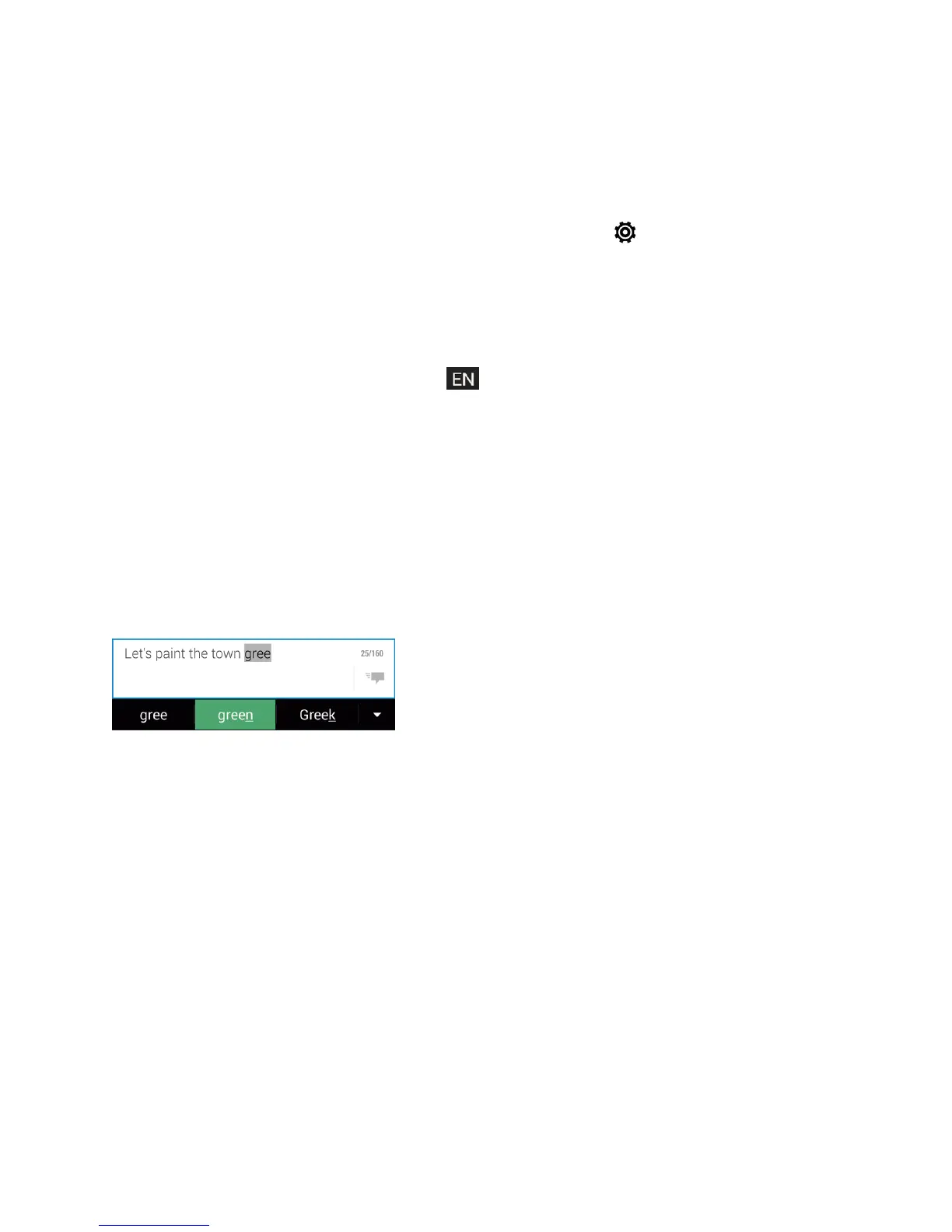
Theonscreenkeyboardhaspredictivetexttohelpyoutypequicklyandaccurately.Predictivetext
inputisenabledbydefault,andwordsuggestionsaredisplayedasyoutype.
Toenterawordinpredictivemode,doanyofthefollowing:
n Touchthespacebartoinsertthehighlightedwordinthesuggestionlist.
n Touchawordfromthesuggestionlist.
n Touchthearrownexttothesuggestionlisttoseemorechoices.
Tip:Ifyou’veaccidentallychosenawrongwordfromthesuggestionlist,youcanalwaysgoback
andchangeitbytouchingthewordandselectinganothersuggestion.
Set a Second Language for Word Prediction
Youcansetthewordpredictiontobebilingual.Asyoutype,you’llgetwordsuggestionsinthe
languagesthatyou’veselected.
Note:Bilingualpredictionisavailableonlywhenyou’reusingaLatin-basedkeyboard.



 To Next Page