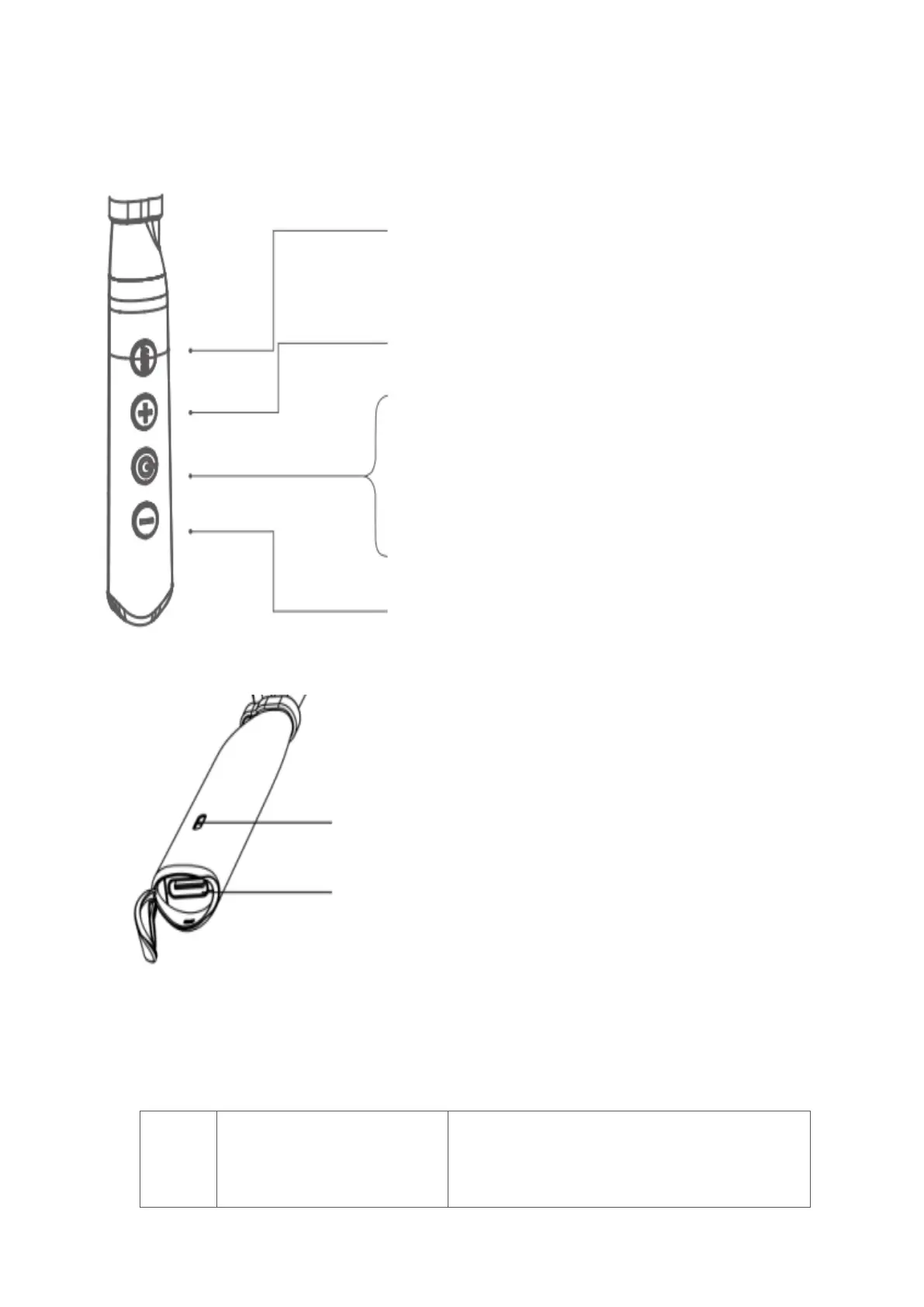
Controls:
ANC ON/ OFF
In the power off status:long press ANC button for 3
seconds enter into ANC mode , short press ANC button
enter into transparent mode, short press ANC button again,
ANC will be went off.
In the power on status :short press ANC button enter into
ANC mode, short press ANC enter into transparent mode
again, short press ANC one more again, ANC will be went
off.
Next song: Long press ”+” button for 2 seconds
Volume increase: short press "+" button
Power on/ off: Press and hold the "Power on" button for 3
seconds
Turn on SIRI / Voice Assistant: Press twice continuously
"Power on" button
Music Play /Pause: press the "Power on" button .
Answer the call/ Hang up the phone: press the "Power on"
button.
Reject Call: Long Press 3 seconds
Previous song: Long pres"-"button for2seconds
Volume decrease: short press "-" button
LED notification
Charging port
LED notifications
Red on: Connected to power and charging
Red off: Charging complete
Flashing red: Low battery warning



 To Next Page