4 / 18
Downloading the software and activation.
There are 2 possible download methods
1 – Start the download using the activation text message
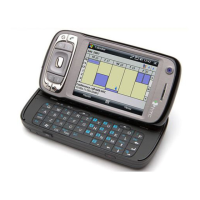
1.01 – When you receive the text message shown opposite,
click on
http://push.proximus.be
from the main screen.
If you get a connection error please go straight to the
chapter on Changing the telephone’s GPRS
configuration (Page
9)
2 – Start the download using the telephone’s Internet Explorer Favourites
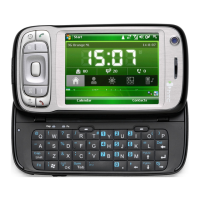
2.01 – From the main page press Start and click on
Internet Explorer
If you get a connection error please go straight to the
chapter on Changing the telephone’s GPRS
configuration (Page
9)


 To Next Page