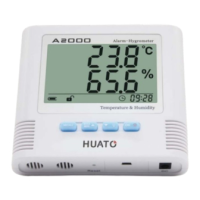
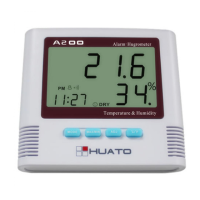
Operation manual for A200 Digital thermo-hygrometer
-------- P. 4 --------
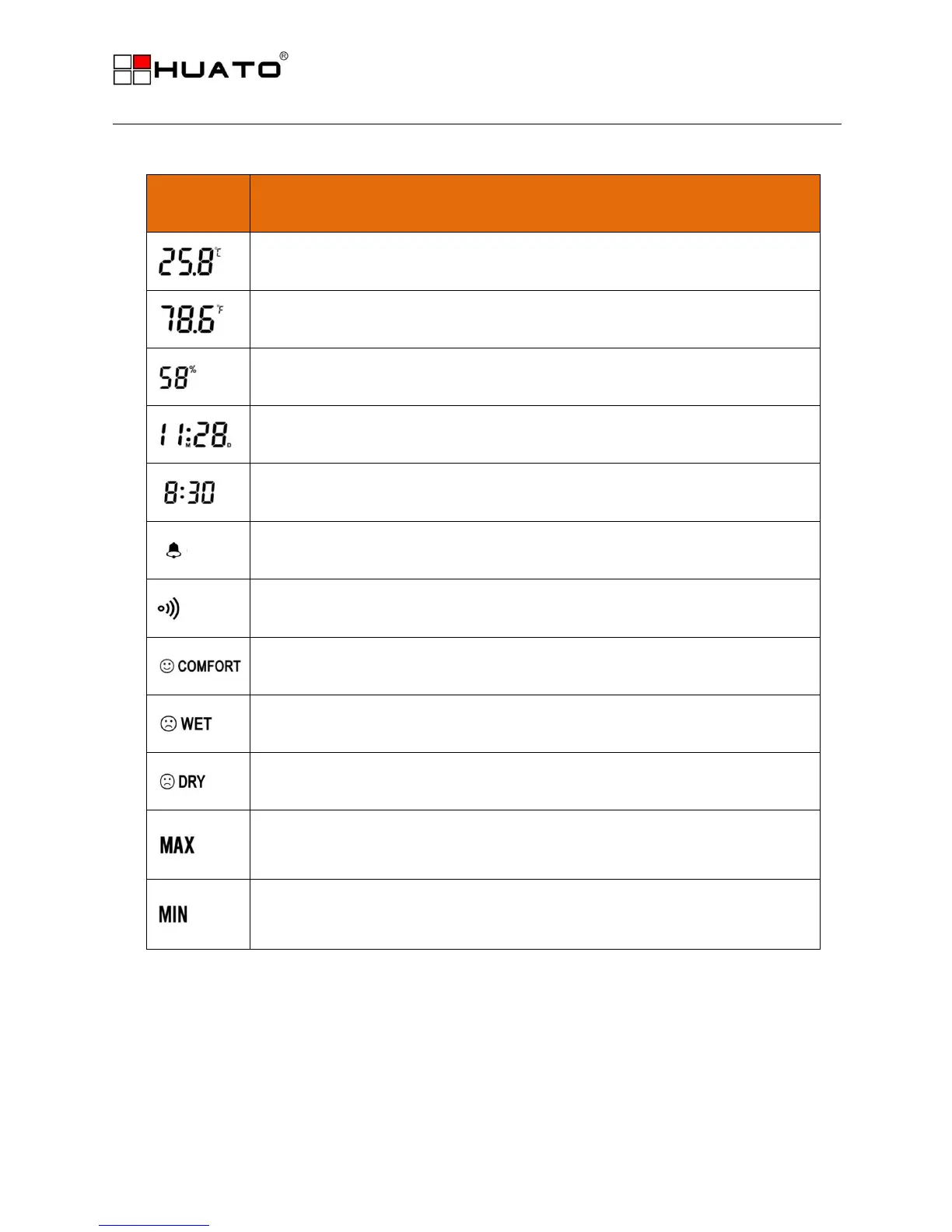
6. Indicator instructions:
This icon indicates the temperature value in Celsius
This icon indicates the temperature value in Fahrenheit
This icon indicates the humidity value
Indicate date, press ADJ under the time status
Indicate current time and alarm clock time
Integral point to announce function open
Alarm clock function open
Indicate that the environmental humidity is between 50%-70%, comfortable status
Indicate the environmental humidity is above 70%,wet status
Indicate the environmental humidity is below 50%, dry status.
Indicate that it is the highest temperature and humidity value, turn to be the normal
status if no press within 10 seconds
Indicate that it is the lowest temperature and humidity value, turn to be the normal
status if no press within 10 seconds


 To Next Page