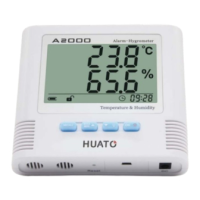
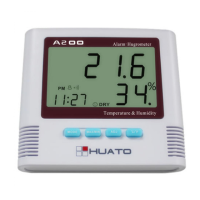
Operation manual for A200 Digital thermo-hygrometer
-------- P. 5 --------
7. Buttons Instructions:
:Switch and setting button, press this button to switch clock to alarm clock. Press it for 3 seconds
under the clock mode, time, 12rh and 24rh, alarm clock and date can be set via 【ADJ】.
:Can be used for checking the max temperature and humidity values or min temperature and
humidity values. Also can be used for deleting max or min values when pressing the button for 3 seconds.
:This button is applied for adjusting the setting list, opening and closing the alarm clock as well as
the date. Besides, it can be used for setting the values under the setting mode and switching clock to calendar
under the clock mode.
:This button is used for switching ℃ to ℉.
Note: Press 【ADJ】 to close the alarm clock when alarm goes on.
If you have any question or would like advice on how best to use the thermo-hygrometer for a particular
application, please feel free to contact us.


 To Previous Page