9
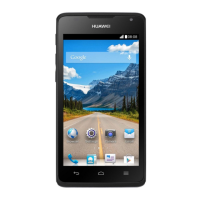
2.6 Home Screen
2.6.1 Home Screen View
2.6.2 Notifications and Status Information
Notification and Status Icons
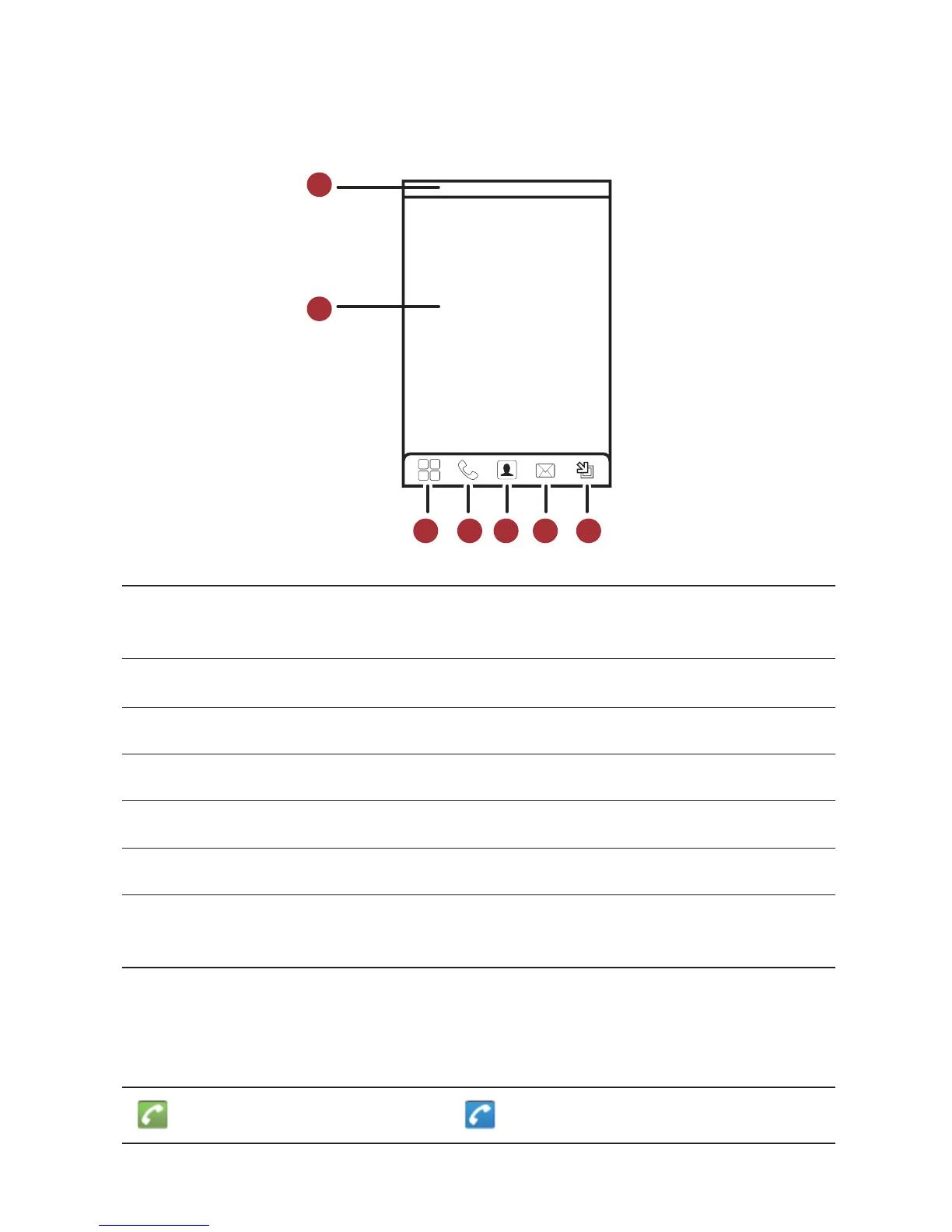
1
Notification bar
: Displays the notifications and status icons of your mobile phone. Flick
down to open the notification panel.
2
Display area
: Shows the operation and display areas of your mobile phone.
3 Touch to open the
Main Menu
.
4 Touch to open the
Dialer
.
5 Touch to open the
Contacts
.
6 Touch to open the
Messaging
.
7
Zoom button
: Touch to view thumbnails of the Home screen, which you can touch to
open.
Call in progress Call in progress using a Bluetooth device


 To Next Page
 Loading...