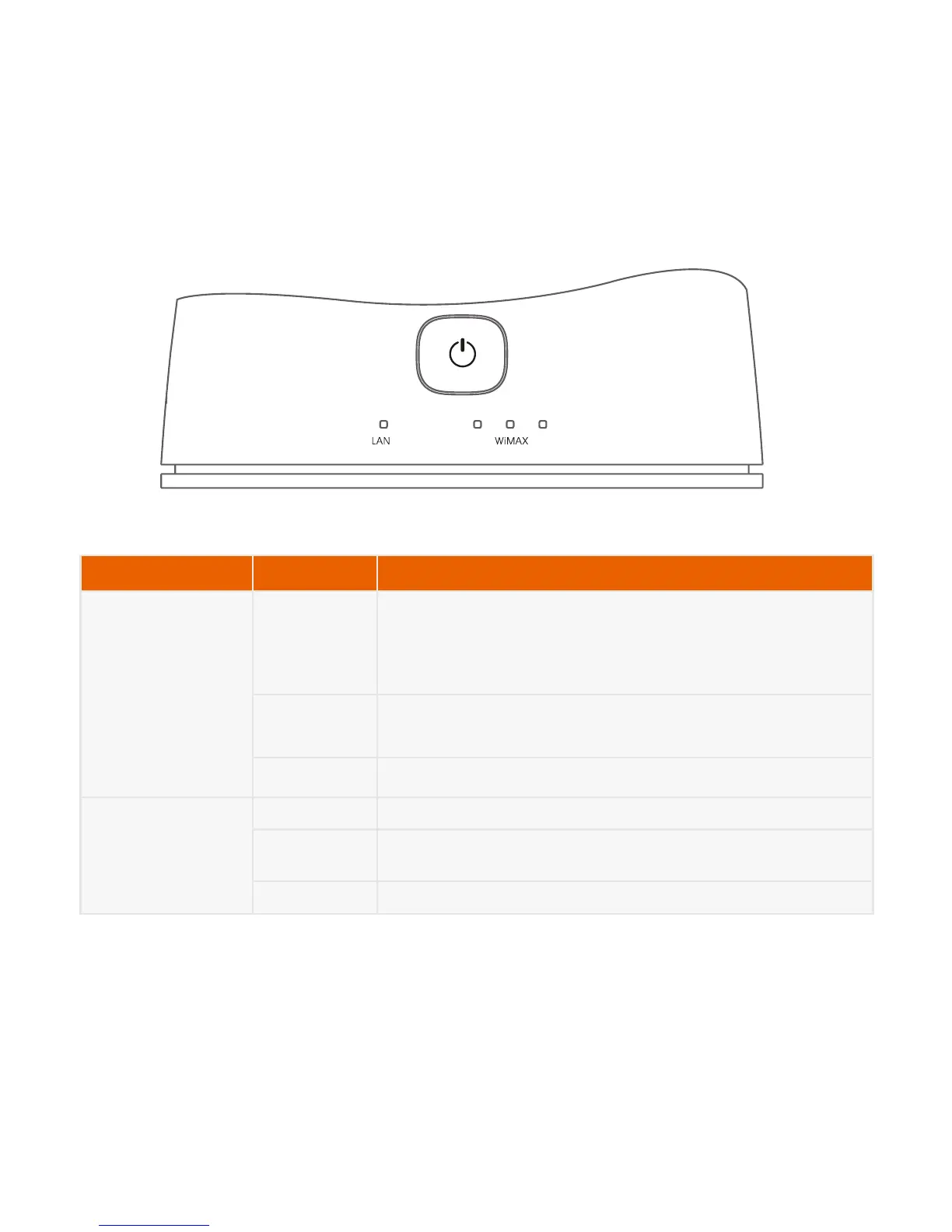
WiMAX On The indicators indicate the signal strength of the WiMAX
network.
When all the indicators are on, it indicates that the signal
strength is at the highest level.
Blink The CPE is being upgraded when they blink sequentially.
The software is damaged when they blink randomly.
Off There is no WiMAX network signal.
LAN On The LAN port is being used.
Blink The data is being transmitted. The larger the amount of
data is, the higher the blinking frequency is.
Off The LAN port is unused.



 To Next Page