5
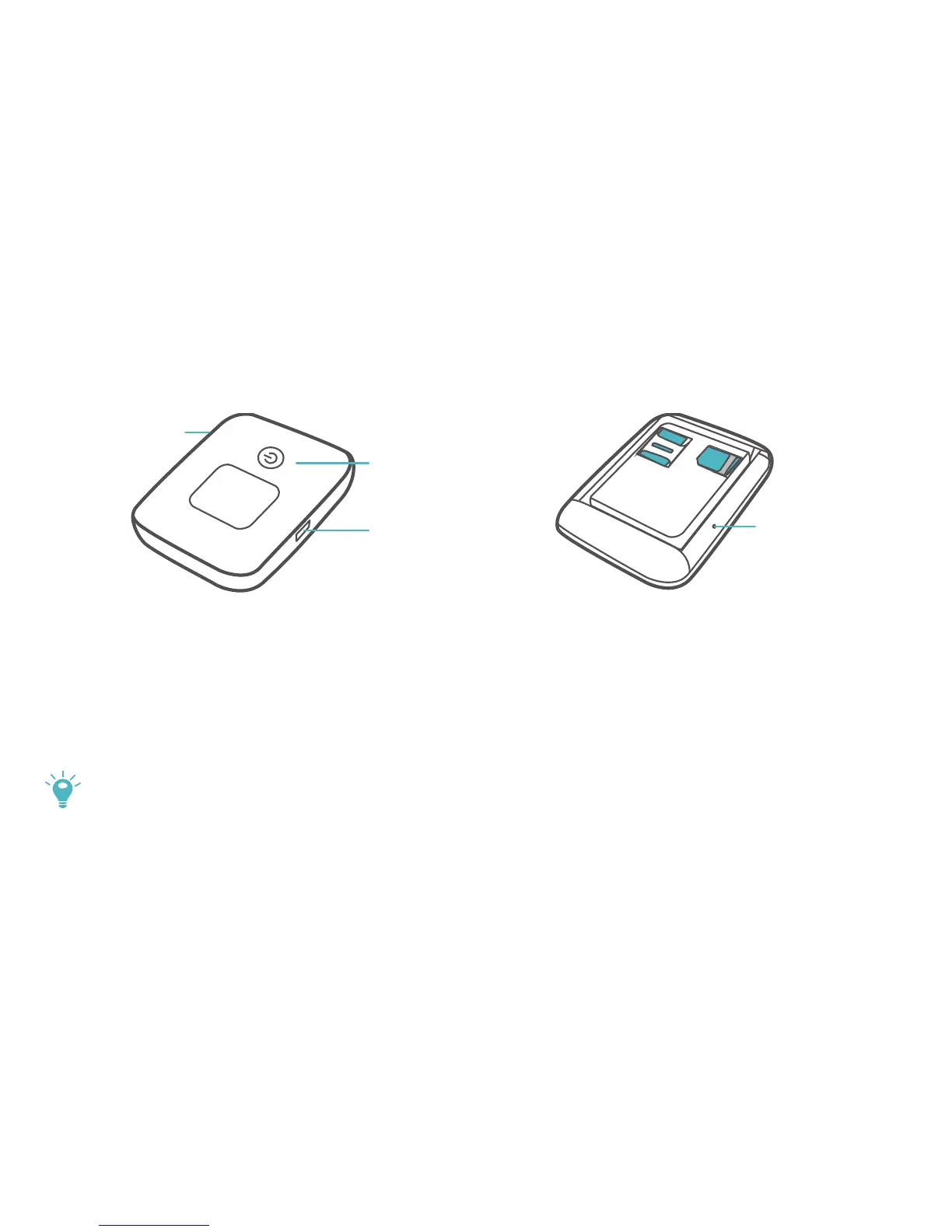
Appearance
POWER button
MICRO USB port
RESET button
MENU button
POWER button: Press and hold to turn your Mobile WiFi on or off.
MENU button: Press to display the menu.
RESET button: Press and hold to reset your Mobile WiFi and restore it to its factory
settings.
If you forget the username, password or SSID for your Mobile WiFi, try restoring
the device to its factory settings.



 To Next Page