EasyManua.ls Logo

Huawei EC152 - User Manual

Huawei EC152
36 pages
Print Icon
To Next Page IconTo Next Page
Loading...
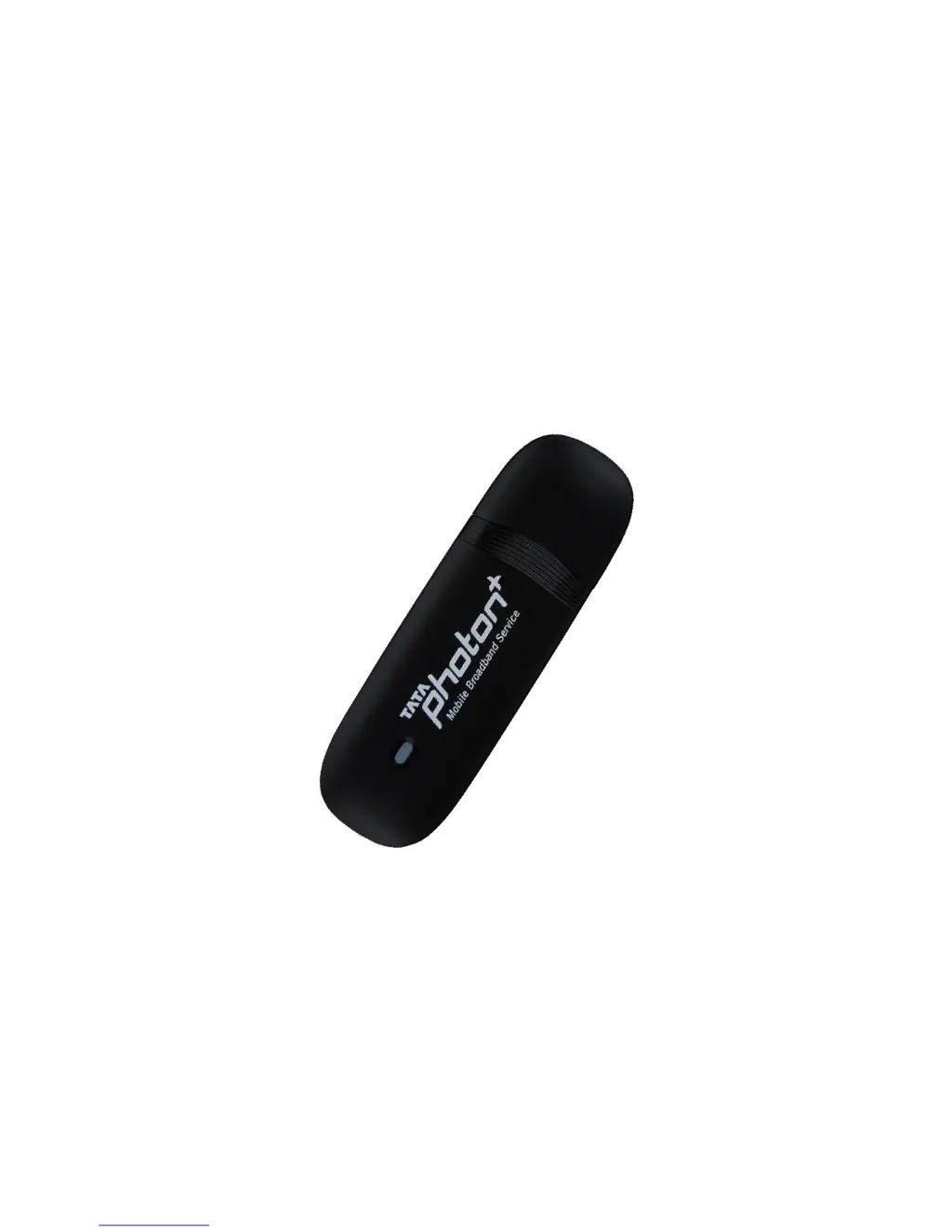
HUAWEIEC152
UserGuide

Questions and Answers

  • J
    Johnny MontgomeryJul 29, 2025
    What to do if Huawei EC152 Modem device is not found by the dialer tool?
    • R
      rdayJul 29, 2025
      If the dialer tool isn't detecting your Huawei Modem device, check if it's visible in Device Manager. If not, see if the 'Tata Photon+' CD is listed in 'My Computer.' If it is, eject the CD.
  • T
    Travis DavisAug 2, 2025
    Why is my Huawei EC152 not showing signal strength on MAC OS?
    • K
      kevintranAug 2, 2025
      If your Huawei Modem device is recognized in MAC OS but isn't showing signal strength, check with your operator to confirm whether the device is activated.
  • M
    Maria BrownAug 7, 2025
    How to fix Huawei Modem not detecting in MAC OS?
    • C
      cmurphyAug 7, 2025
      If your Huawei Modem device isn't being detected in MAC OS, verify that the drivers (HuaweiDataCardDriver.kext) are located in the /System/Library/Extensions path. If they are missing, reinstall the application.
  • D
    donaldwangAug 11, 2025
    What to do if my Huawei Modem dialer tool cannot connect to the internet?
    • C
      cooknathanAug 11, 2025
      If your Huawei Modem dialer tool can't connect to the internet, first ensure that the dialer tool can detect a signal. Additionally, verify that your PC's modem configuration is correct.
  • A
    Allen AdamsAug 16, 2025
    Why can't my Huawei EC152 Modem dialer tool find a signal?
    • J
      James RodriguezAug 16, 2025
      If your Huawei Modem dialer tool isn't finding a signal, verify that the number you're using is activated. If it is activated, contact your operator to confirm that the parameters are configured correctly.
  • M
    mperkinsAug 20, 2025
    How to fix Huawei Modem driver installation issues?
    • J
      Jason PruittAug 20, 2025
      If you're having trouble installing the Huawei Modem driver, try uninstalling it first, and then attempt to install it again.
  • R
    Ryan AndersonAug 25, 2025
    How to manually install Huawei EC152 Modem driver and dialer tool?
    • M
      Michele ByrdAug 25, 2025
      If the Huawei Modem driver and dialer tool do not automatically install, go to 'My Computer,' find the CD Rom named 'Tata Photon+,' open it, and manually run the autorun.exe file.

Summary

Introduction

System Requirements

EC152 Appearance

Technical Specifications

Inserting a microSD Card

Using the device

Installation Procedure for Windows XP

Step-by-step guide to install the device and software on Windows XP systems.

Un-installation of Application Software

Installation Procedure for Mac OS

Troubleshooting

Care and Maintenance

Warnings and Precautions

Electronic Device Precautions

Guidelines for safe usage of the device, avoiding danger or interference with electronics.

Medical Device Usage Rules

Rules for using the device in medical environments and its potential effects on medical devices.

Potentially Explosive Atmospheres

Warnings against using the device in areas with explosive gases or dust to prevent ignition.

Traffic and Driving Safety

Safety guidelines for using the device while driving, in vehicles, and on aircraft.

Operating Environment and Childrens Safety

Advice on suitable operating environments and precautions for children's safety with the device.

Accessories and Cleaning Advice

Guidance on using manufacturer-approved accessories and proper cleaning methods for the device.

SAR and FCC Compliance

Information on Specific Absorption Rate (SAR) limits and Federal Communications Commission (FCC) compliance.

Body Worn Operation and FCC Statements

Safety information for body-worn usage, distance requirements, and FCC operational conditions.

Huawei EC152 Specifications

General IconGeneral
Device TypeUSB Modem
Maximum Download Speed3.1 Mbps
Maximum Upload Speed1.8 Mbps
InterfaceUSB 2.0
Weight30 g
Network CompatibilityCDMA 1x EVDO Rev.A
Operating System CompatibilityWindows, Mac OS
AntennaBuilt-in
Frequency Band800 MHz

Related product manuals