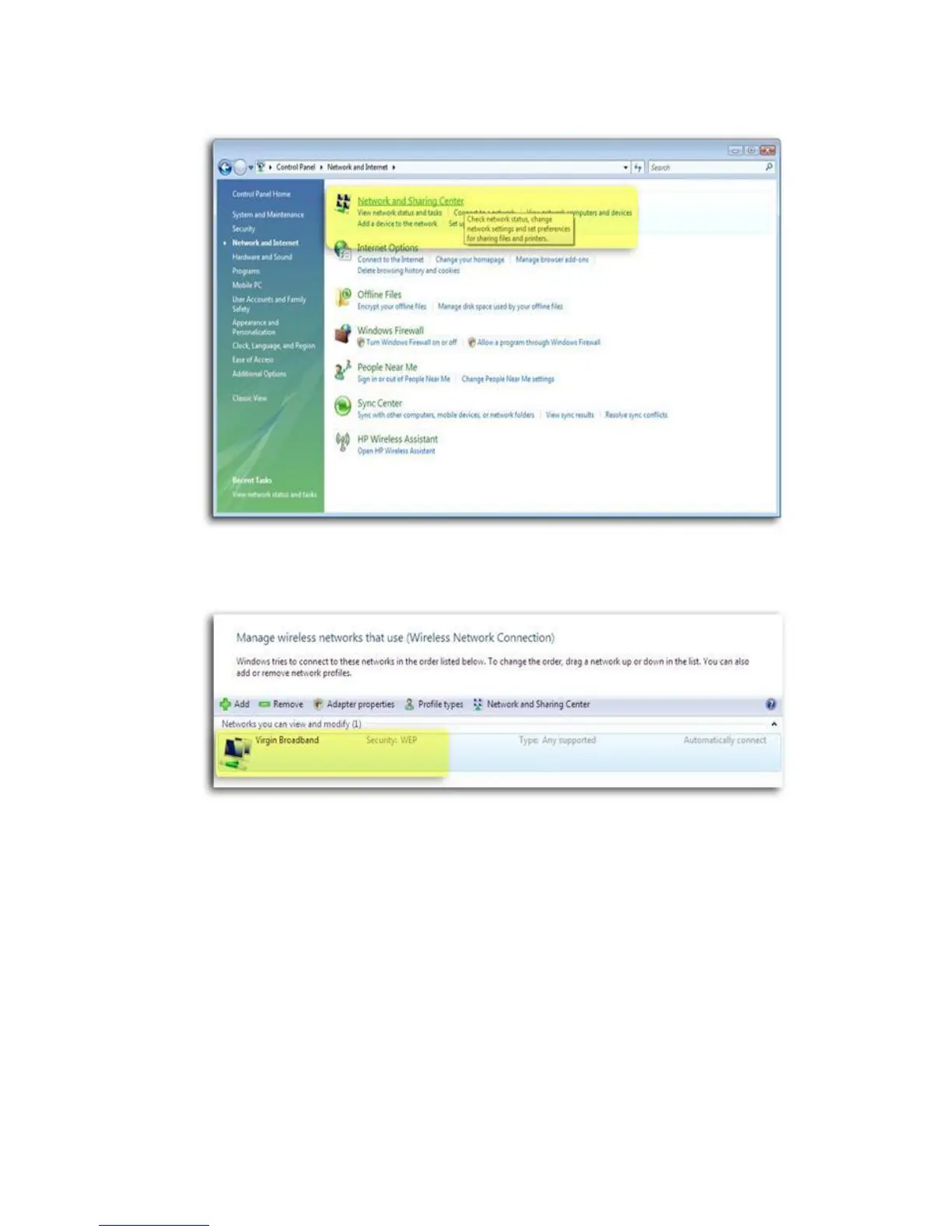
4. Click Network and sharing center.
5. Under the “Tasks” list on theh left, click connect to a network.
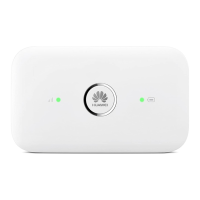
6. A new window will pop up. Find the virginmobile or virgin broadband connection from the
list and double-click on it.
7. A new window will pop up. Type in the new WEP key and click OK.
8. After approximately a minute the message ”Connected” will display in the dialog box and an
icon will appear in the Windows Vista notification area.


 To Next Page