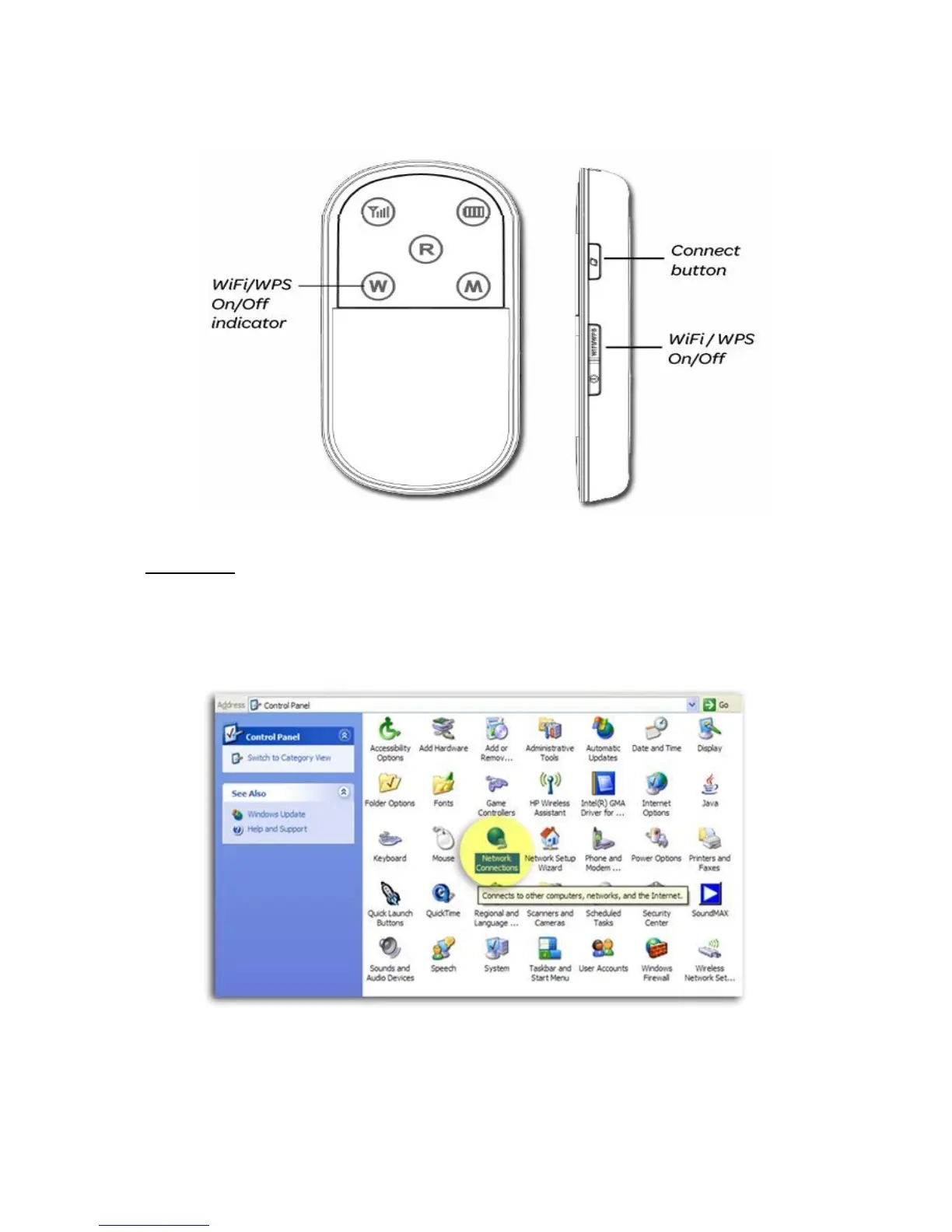
6. Make sure that your Wi-Fi is turnet on and that your modem has established a connection to
the network.
7. Skip to the steps relevant to your operating system.
Windows XP
1. From Windows Start menu, select Control Panel.
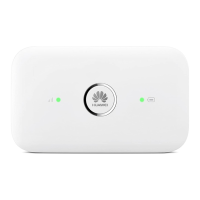
2. Click switch to classic view in the top left of the screen (if this is not already your default
view).
3. Double click network connections.
4. Right click wireless network connection and then click view available wireless networks. A
list of available wireless networks will be displayed.



 To Next Page