1
1
0
0
F
F
W
W
T
T
S
S
e
e
t
t
t
t
i
i
n
n
g
g
s
s
HUAWEI
58
1 Find the [Ring Volume] item and press <OK> to enter;
2 Select one from the 11 ringing types and then press <OK> to save it.
Advanced Setting
DTMF Settings
Dual-Tone MultiFrequency (DTMF) refers to the tone when you press a key on
the FWT. The FWT supports the settings of DTMF length.
After you enter the "Advanced" interface,
1 Find [DTMF], and then press <OK> to enter it;
2 Select an option,
y [Normal]: Set normal DTMF length;
y [Long]: Set long DTMF length;
3 Press <OK>.
Voice Privacy Settings
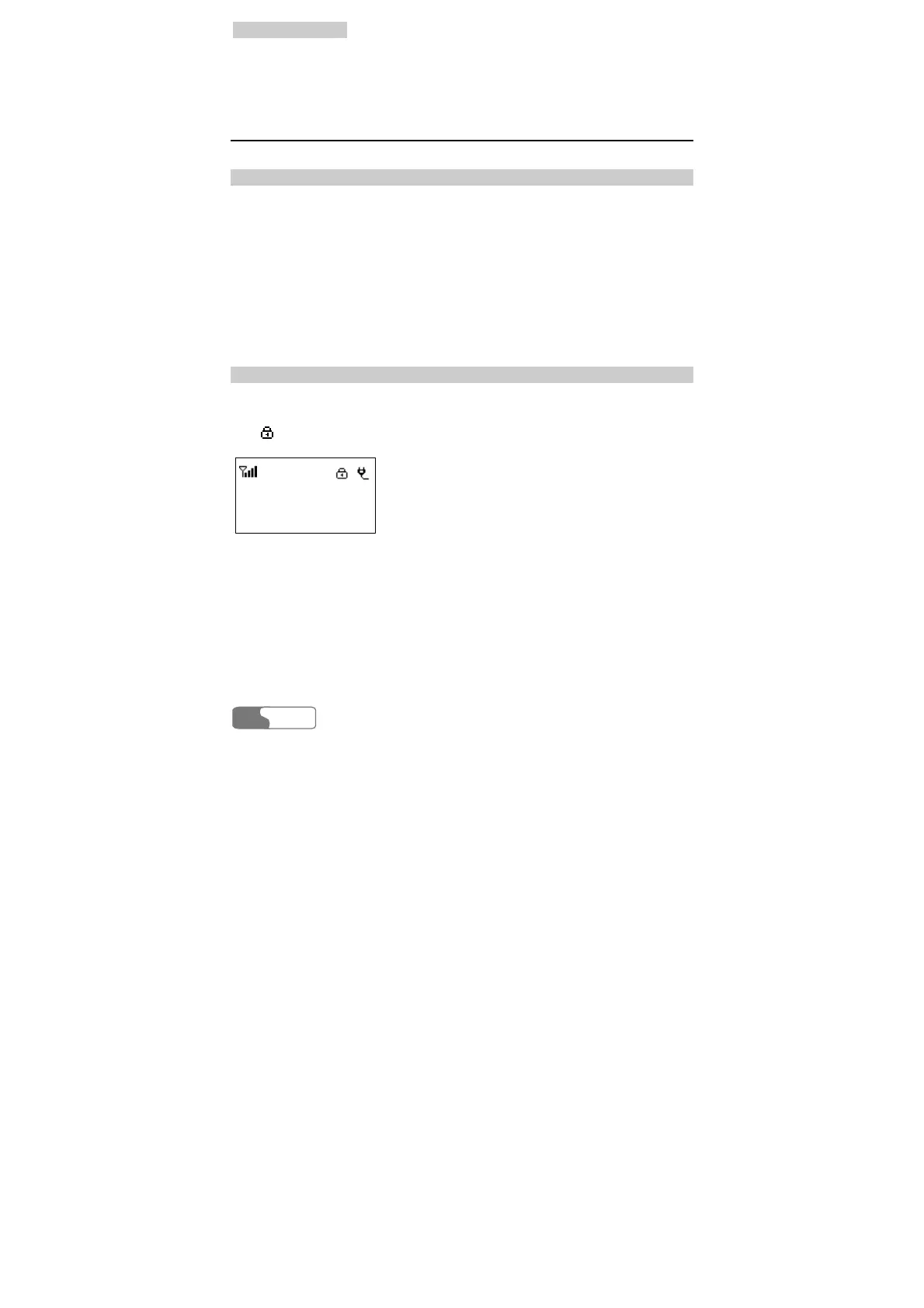
The FWT supports voice privacy function, which could enhance security and
privacy of a conversation. If the voice privacy mode has been enabled, you will
see
on the screen, shown as below.
Call Time 00-00
Pulse 0000
Please follow the following steps after you enter the "Advanced" interface,
1 Find [Voice Privacy], and then press <OK> to enter it;
2 Select an option,
y [Standard]: Disable the function;
y [Enhanced]: Enable the function;
3 Press <OK>.



 To Next Page