Find a lost pair of HUAWEI FreeBuds series earphones
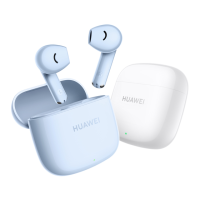
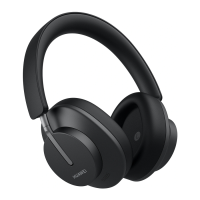
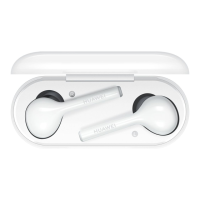
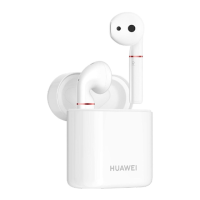
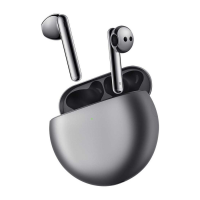
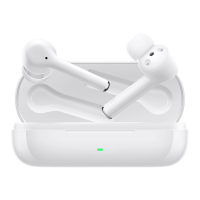
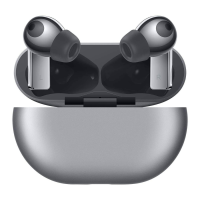
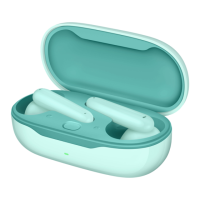
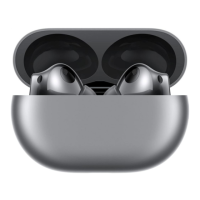
You can use the Find My Earphones feature to locate a pair of FreeBuds Pro 2,
FreeBuds 5i, FreeBuds Lipstick, FreeBuds 4, FreeBuds Pro, or FreeBuds Studio
earphones on a map, and play ringtone to find them. This feature is not
supported on any other earphone models.
• You can locate earphones using the Find My Earphones feature on
phones/tablets running EMUI 11.0 or later, if you have logged in to the
phone/tablet with a HUAWEI ID, and have enabled the Find Device feature.
This feature can't be used to locate earphones if you did not enable Find
Device before the earphones were lost.
Phones or tablets released outside the Chinese mainland will need to be
pre-installed with HMS Core and not have GMS installed, and run the Cloud
app later than 11.0.0.300.
This feature is not supported on the following devices:
• HUAWEI P10, HUAWEI P10 Plus, P30 Pro,HUAWEI Mate 9, HUAWEI Mate 9
Pro, PORSCHE DESIGN HUAWEI Mate 9, HUAWEI nova 2s, HUAWEI nova 3,
HUAWEI nova 3i, HUAWEI Y9 2019, HUAWEI MediaPad M5 10-inch,
HUAWEI MediaPad M5 Pro 10-inch, HUAWEI MediaPad M5 8-inch, HUAWEI
MediaPad M5 lite 8-inch, HUAWEI MediaPad M5 lite 10-inch, and HUAWEI
MediaPad
• HONOR 9, HONOR V9, HONOR Note 10, HONOR Play, HONOR Pad 5 8-inch,
and HONOR Pad 5 10.1-inch
Playing a ringtone on the earphones
If the earphones are still connected to your device, you can find the earphones by
playing a ringtone.

 Need help?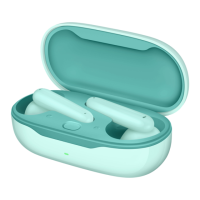




 To Next Page
 General