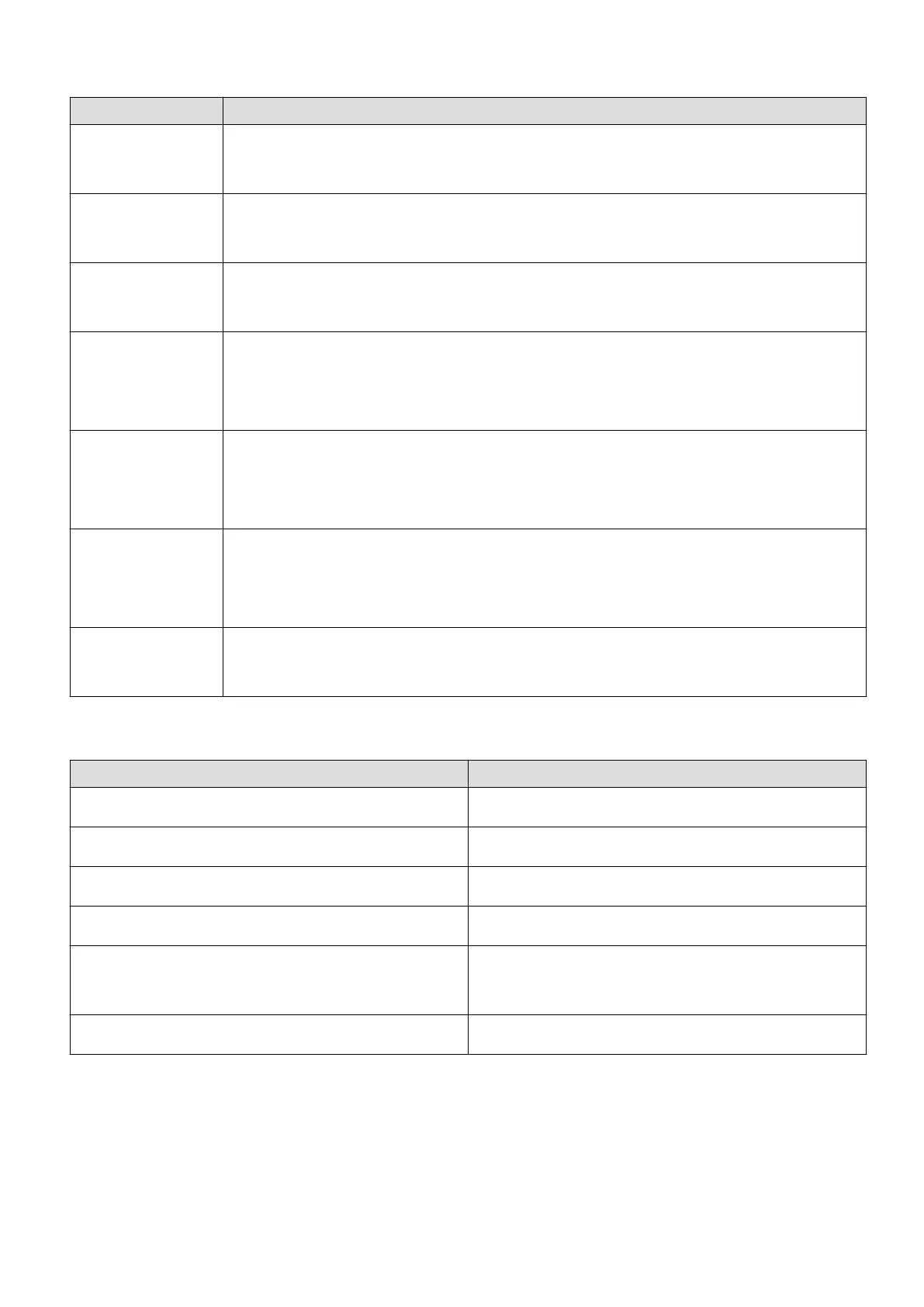
Button functions during a workout
Operation Function
Press the Up
button
Lock/unlock, mute, or end workout
Press the Down
button
Switch screen.
Press and hold
the Up button
Finish the workout.
Press and hold
the Down button
Wake up the voice assistant. Currently, this feature is only available with
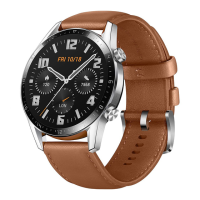
the HUAWEI WATCH GT 2 (46 mm), HUAWEI WATCH GT 2e, and HUAWEI
WATCH GT 2 Pro.
Swipe up or
down on the
screen
Switch screen.
Swipe left or
right on the
screen
Switch screen.
Touch the screen
and hold
Show a dierent data type.
Gestures
Operation Function
Touch Choose and conrm.
Touch and hold on the home screen Change the watch face.
Swipe up on the home screen View notications.
Swipe down on the home screen View the shortcut menu.
Swipe left or right View your heart rate data, workout data,
weather information.
Swipe right Return to the previous screen.
Wake the screen
• Press the Up button.
• Raise or rotate your wrist inwards.
• Swipe down on the home screen to open the shortcut menu. Enable Show Time and the
screen will stay on 5 minutes.
Getting started
2









 To Next Page