Getting started
Buttons and gestures
The watch is equipped with a color touchscreen that is highly responsive to your touches and
can be swiped in dierent directions.
Up button
Operation Function Remarks
Press • Wake watch screen when
the screen is o.
• Access the app list screen
from the home screen.
• Return to the home screen.
There are certain exceptional
scenarios such as for calls and
workouts.
Press and hold • Power on your watch when
the watch is o.
• Access the restart/power o
screen when the watch is
on.
Down button
Operatio
n
Function Remarks
Press Open the workout
app.
Access the customized
feature you set.
There are certain exceptional scenarios such as for calls
and workouts.
Press and
hold
• Lock or unlock the
screen.
• Wake up the voice
assistant.
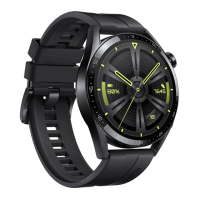
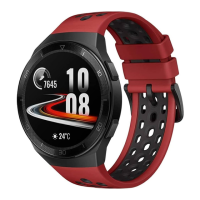
The lock/unlock feature is only available with the
following models: HONOR MagicWatch Series, HONOR
Watch VIVIENNE TAM version, HONOR Watch Magic/
Dream Series, and HUAWEI WATCH GT Series.
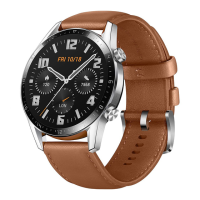
If you are using a HUAWEI WATCH GT 2, HUAWEI WATCH
GT 2e, or HUAWEI WATCH GT 2 Pro, you can only press
the Up button to lock or unlock screen, and press the
Down button to switch screens during workouts. The
watch screen is locked by default during swim workouts
and cannot be unlocked.
Voice assistant is only available with phones that run
EMUI 10.1.
1









 To Next Page