l To remove the SIM card, gently press the SIM card in
until it clicks. The card will automatically pop out.
l Do not insert or remove a SIM card when the router
is running, as this may affect performance or
damage the SIM card.
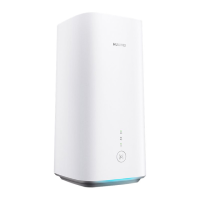
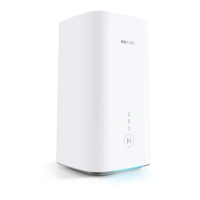
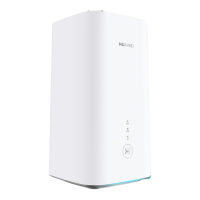
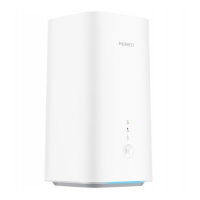
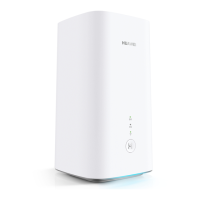
4 Connect the power adapter to the router.
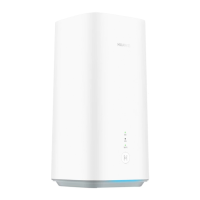
The indicators will turn on when the router has successfully
connected to a network.
5G signal indicator
Green: Strong.
Yellow: Moderate.
Red: Weak.
4G signal indicator
Green: Strong.
Yellow: Moderate.
Red: Weak.
3


 To Next Page
 Loading...