10
Step 1 Use an optical ber to connect the optical port to the ONT and the optical port on
the wall.
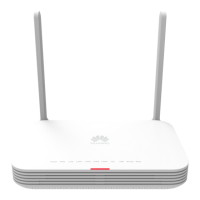
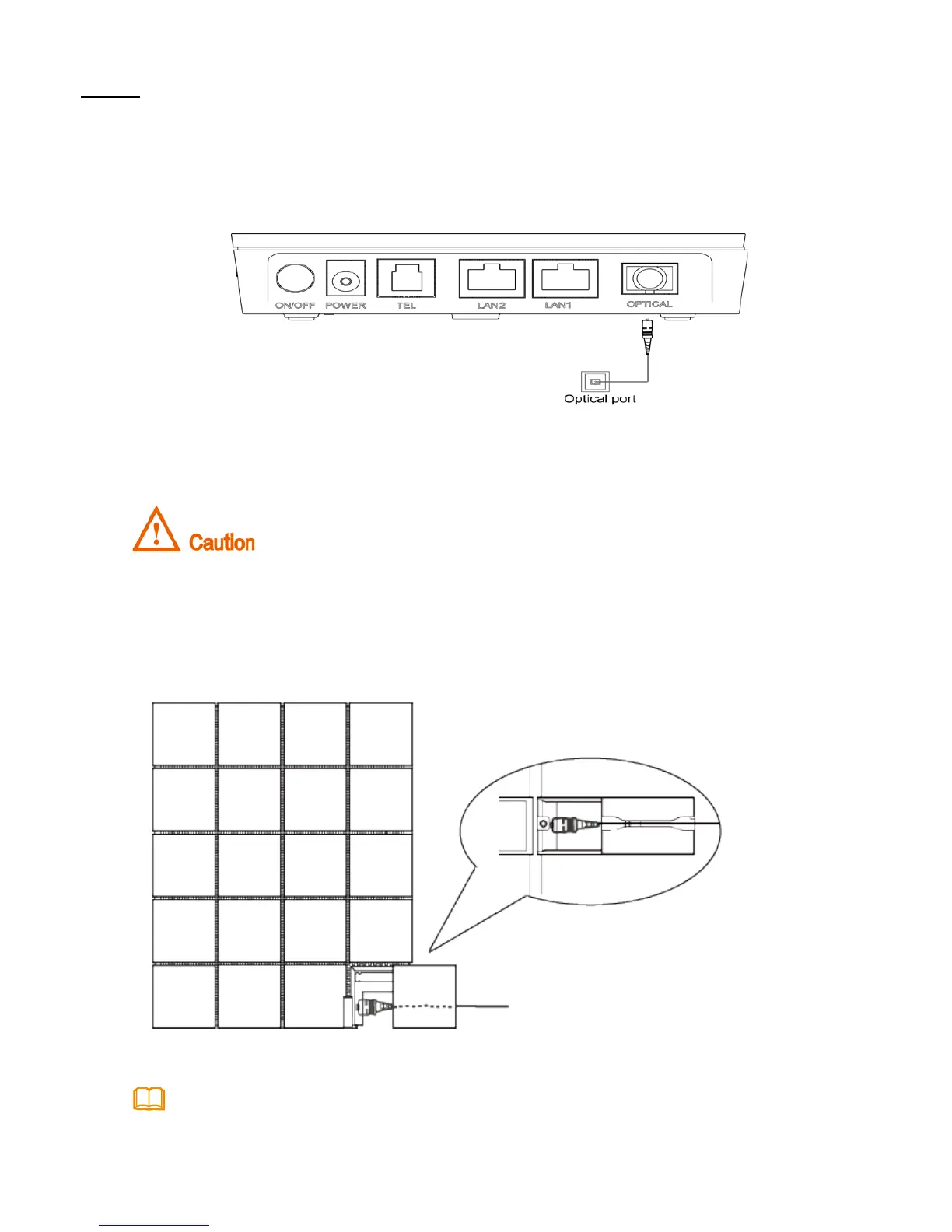
• For how to connect the optical port of HG8120 series, see the following gure: (Use
an optical ber to directly connect the OPTICAL port on the ONT to the optical port
on the wall.) The HG8120A is used as an example here.
After the optical ber is connected to the optical port on the ONT, lead the
ber out of the ONT through the hole on the ber port cover, and then install
the ber port cover to the ONT. If you do not lead the ber out through the
hole on the ber port cover before you install the cover, the ber and ONT
may be damaged.
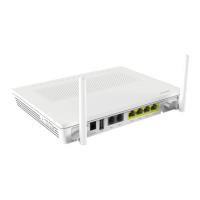
• The optical ports of the XG-PON terminals are at the back of the device. For how
to connect the optical ports, see the following gure (The HN8245Q is used as an
example here.):
1.The optical ber connectors of the HN8xxx series are SC/UPC .
2.To ensure normal use of bers, make sure that the ber bend radius is larger than 30 mm.



 To Next Page
 Loading...