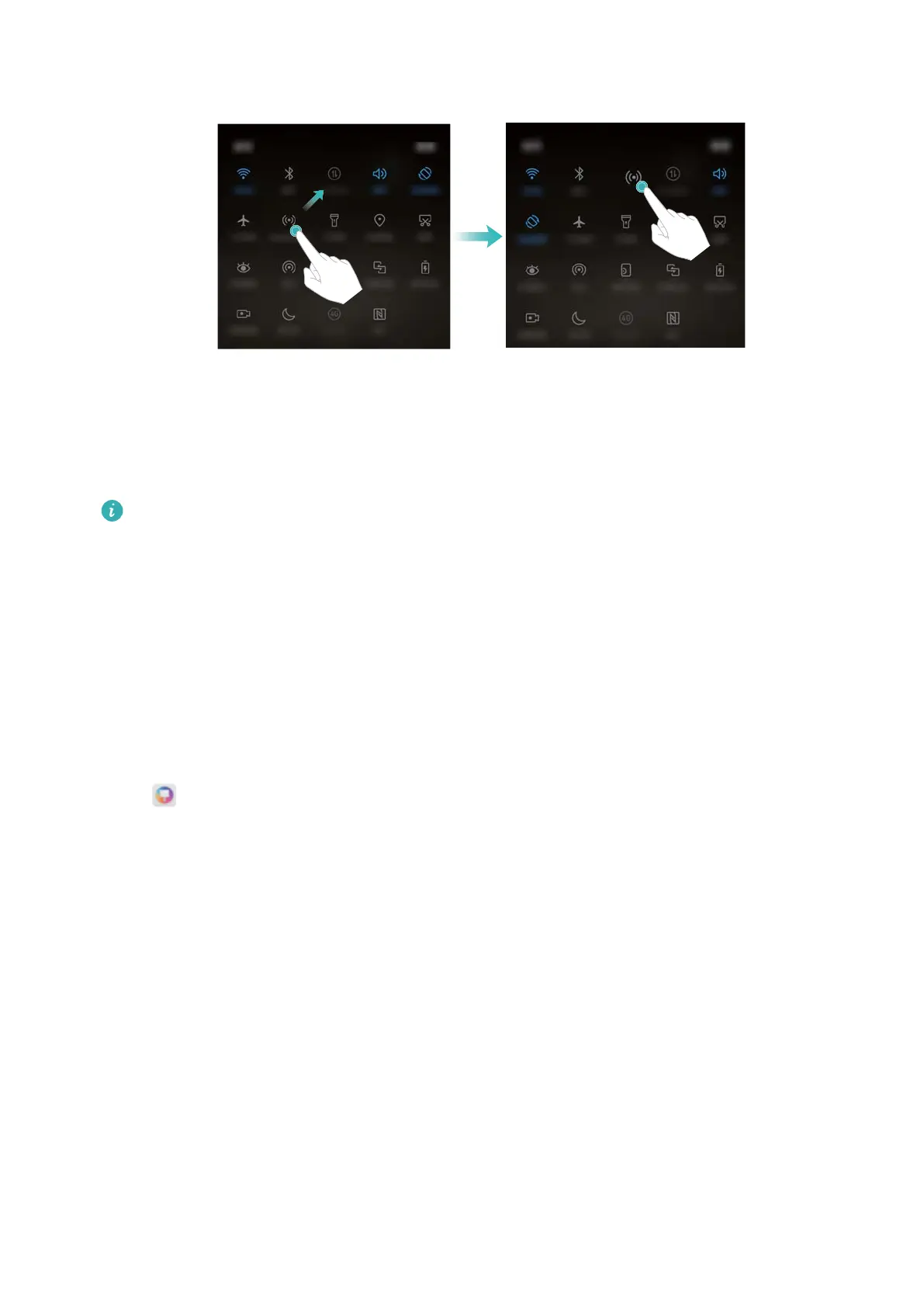
3 Touch a switch to enable the corresponding feature. If the switch supports touch and hold
gestures, touch and hold the switch to access the settings for the corresponding feature.
Some switches do not support touch and hold gestures.
Themes
About themes
Themes help you to personalize your home screen by changing the wallpaper, app icons, and
more.
Changing the theme
1 Open Themes.
2 You can:
l Select a theme and follow the onscreen instructions to configure the settings.
l Touch Customize to mix and match lock screen methods, wallpapers, app icons, and
more.
Global search
About global search
Use global search to find apps, contacts and messages on your device.
Swipe down on the home screen to open the global search window, and then enter your search
terms.
Screen and Display
23



 To Next Page