Calls and Contacts
Making calls
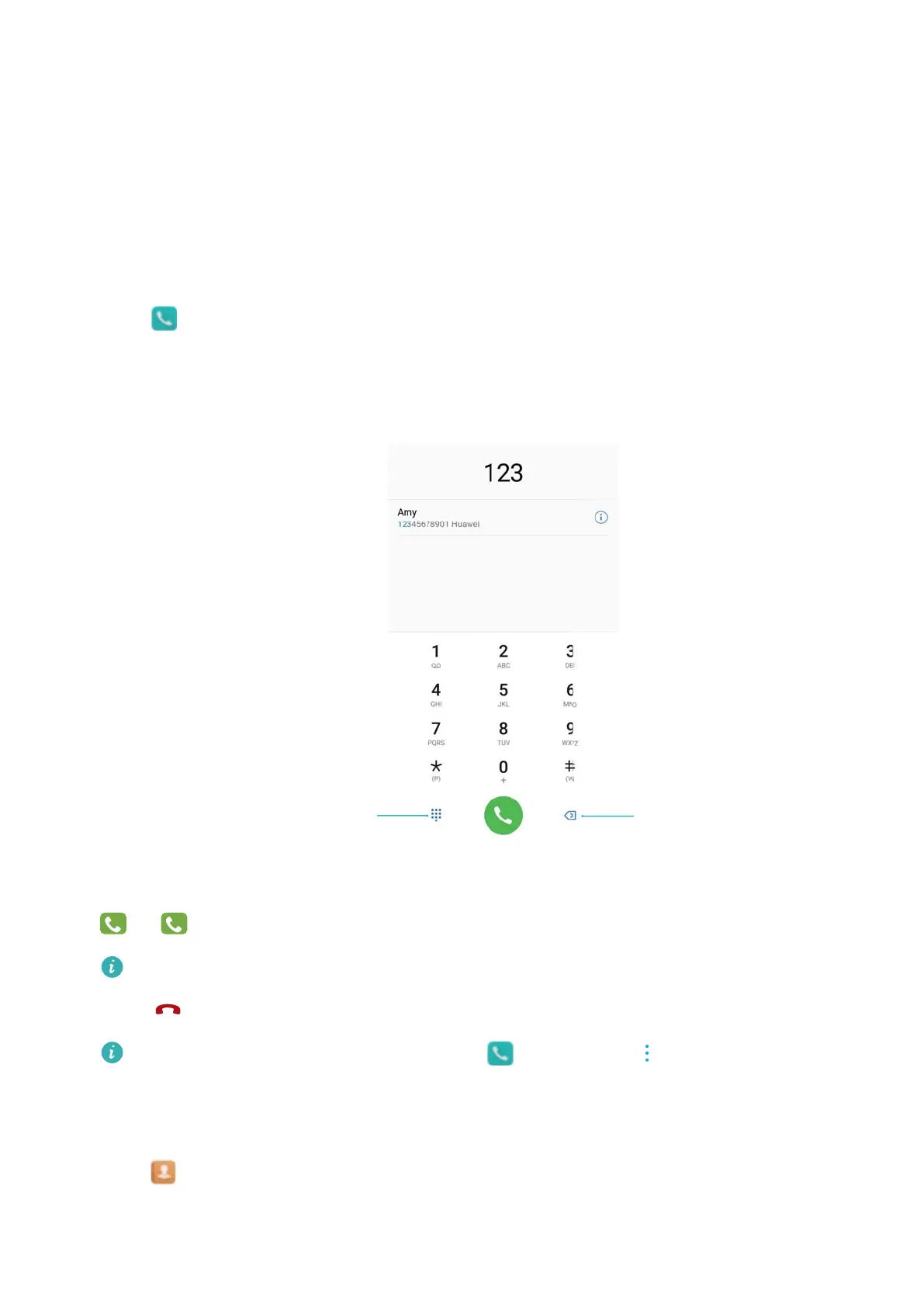
Smart dialing
Enter the name, initials, or number of a contact in the dialer. Your device will display matching
contacts.
1 Open
Dialer.
2 Enter the name, initials, or number of a contact in the dialer (for example, John Smith or JS).
Your device will search your contacts and call log and list the results above the dialer.
3 Select the contact you want to call from the list. If your device has dual SIM support, touch
or
to make a call.
The call status will be displayed on the screen (for example, ringing or call forwarding).
4 Touch to end the call.
To end a call using the power button, go to Dialer, touch > Settings, and then
switch on Power button ends call.
Making a call from Contacts
1 Open Contacts.
2 Touch the search bar and enter the name or initials of the person you want to call.
75



 To Next Page