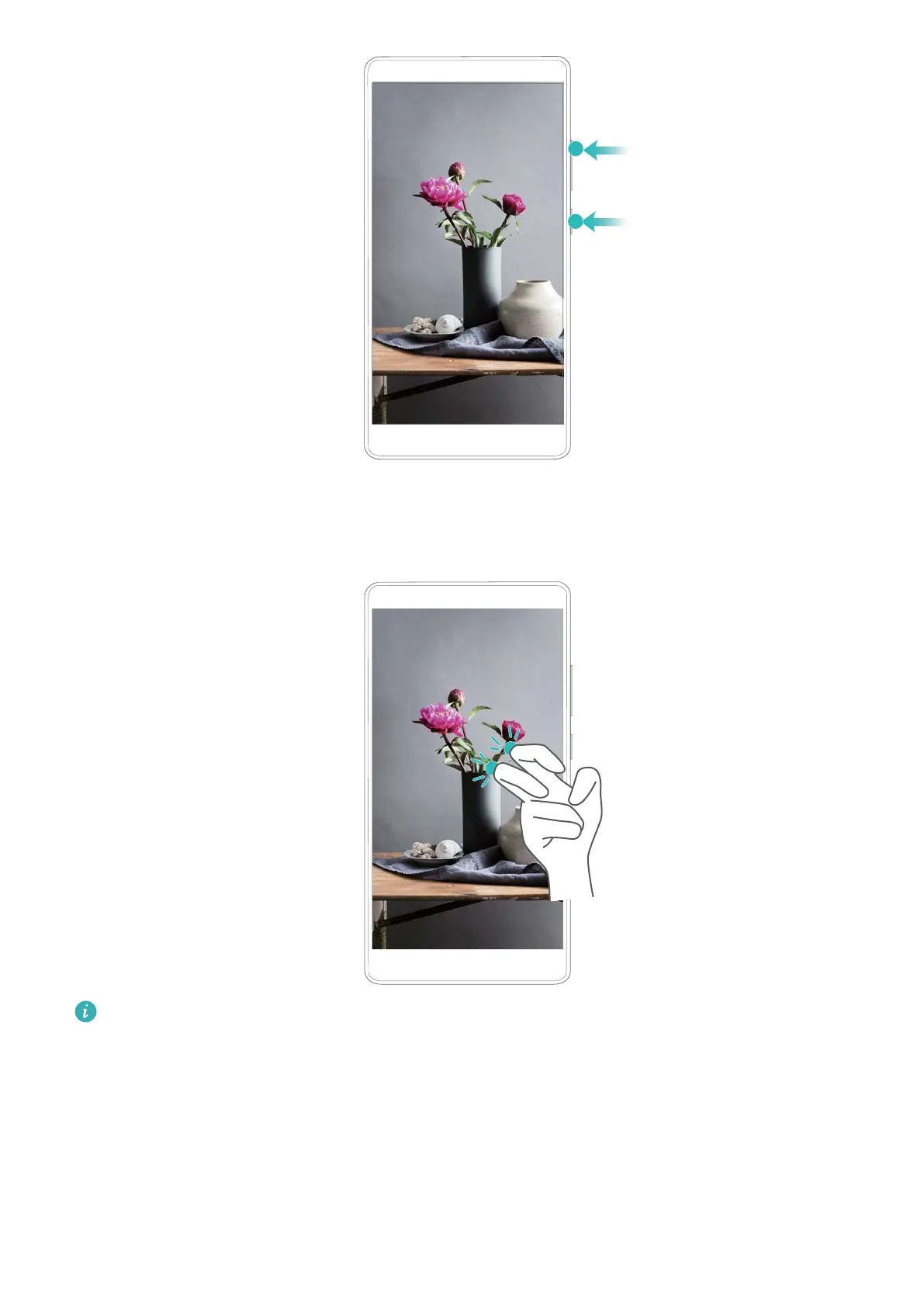
Using knuckle gestures to record
To start a screen recording, knock the screen twice with two knuckles.
l Audio will also be recorded, so make sure that you are in a quiet environment.
l Recording will stop automatically when you make or receive a call.
l When making a screen recording, you will not be able to use the recording feature in other
applications.
l Longer recordings will take up more space on your device's internal storage, so ensure
there is enough space before recording.
You can stop a screen recording in three ways:
l Knock the screen twice with two knuckles
Screen and Display
31



 To Next Page