Sharing your Network with Other Devices
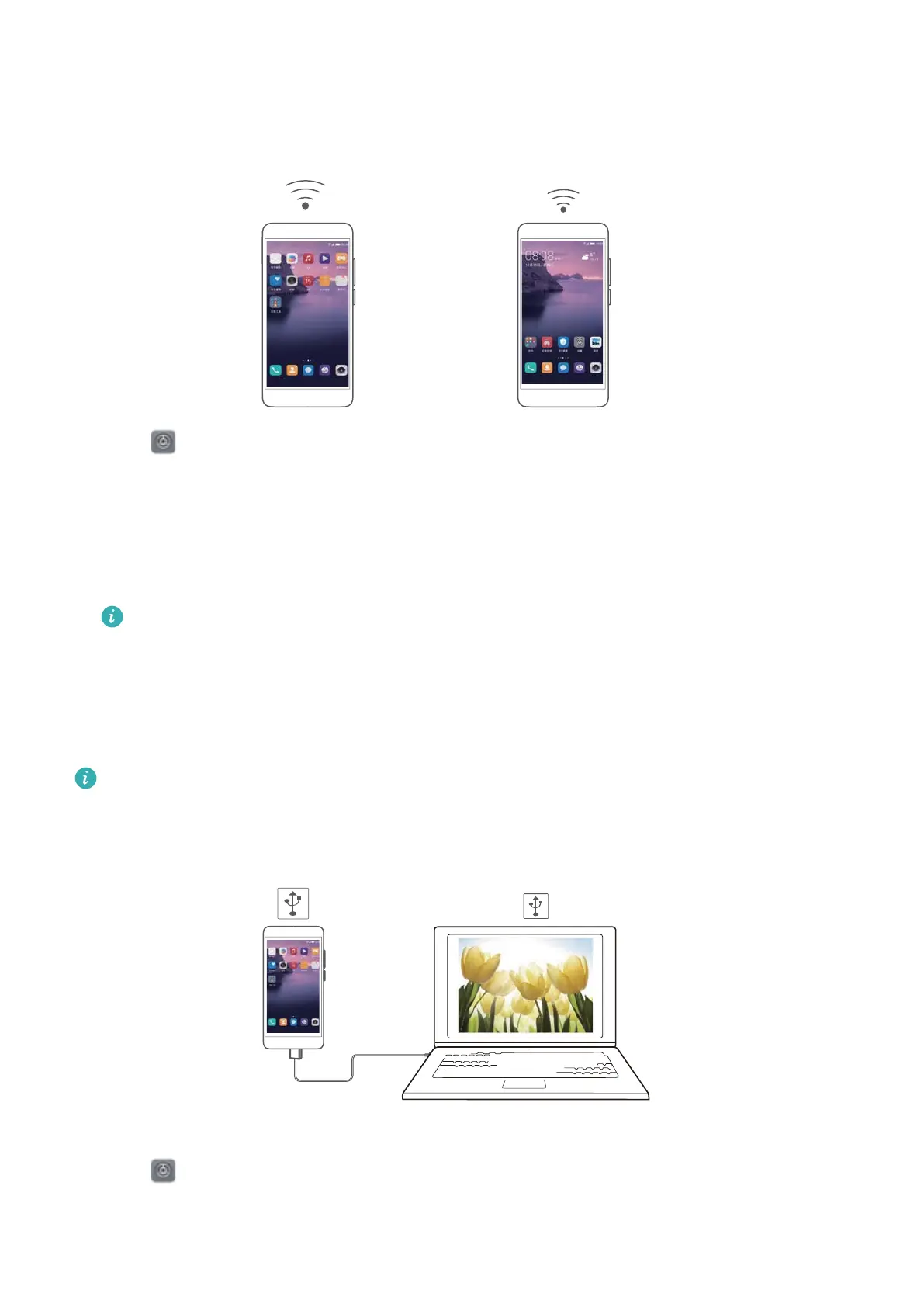
Sharing networks over a Wi-Fi hotspot
1 Open Settings.
2 Touch More > Tethering & portable hotspot.
3 Touch Portable Wi-Fi hotspot and enable the Hotspot.
4 Touch Configure Wi-Fi hotspot and set the name, security level and password for the Wi-Fi
hotspot, then touch Save.
How can I limit the amount of data other devices can use through my hotspot?
From the Settings interface, touch Data limit and set the data limit. When the shared
data reaches the set value, your device will stop sharing data and disable the hotspot
automatically.
Sharing mobile data using a USB cable
Due to the differences in operating systems, you may need to install a device driver or set up
a corresponding network connection before using this function. Refer to your operating
system guide.
1 Connect your device to the computer using a USB data cable.
2 Open Settings.
3 Touch More > Tethering & portable hotspot.
4 Enable USB tethering to share your mobile data.
Network and Sharing
41



 To Next Page