Transferring data between your phone and a USB storage device
USB OTG is designed to transfer data directly between two USB devices (such as phones,
tablets, digital cameras, and printers) without the need for a computer. Use a USB On-The-Go
(OTG) cable to connect your phone to a USB storage device and back up your files.
Transferring data between your phone and a USB storage device
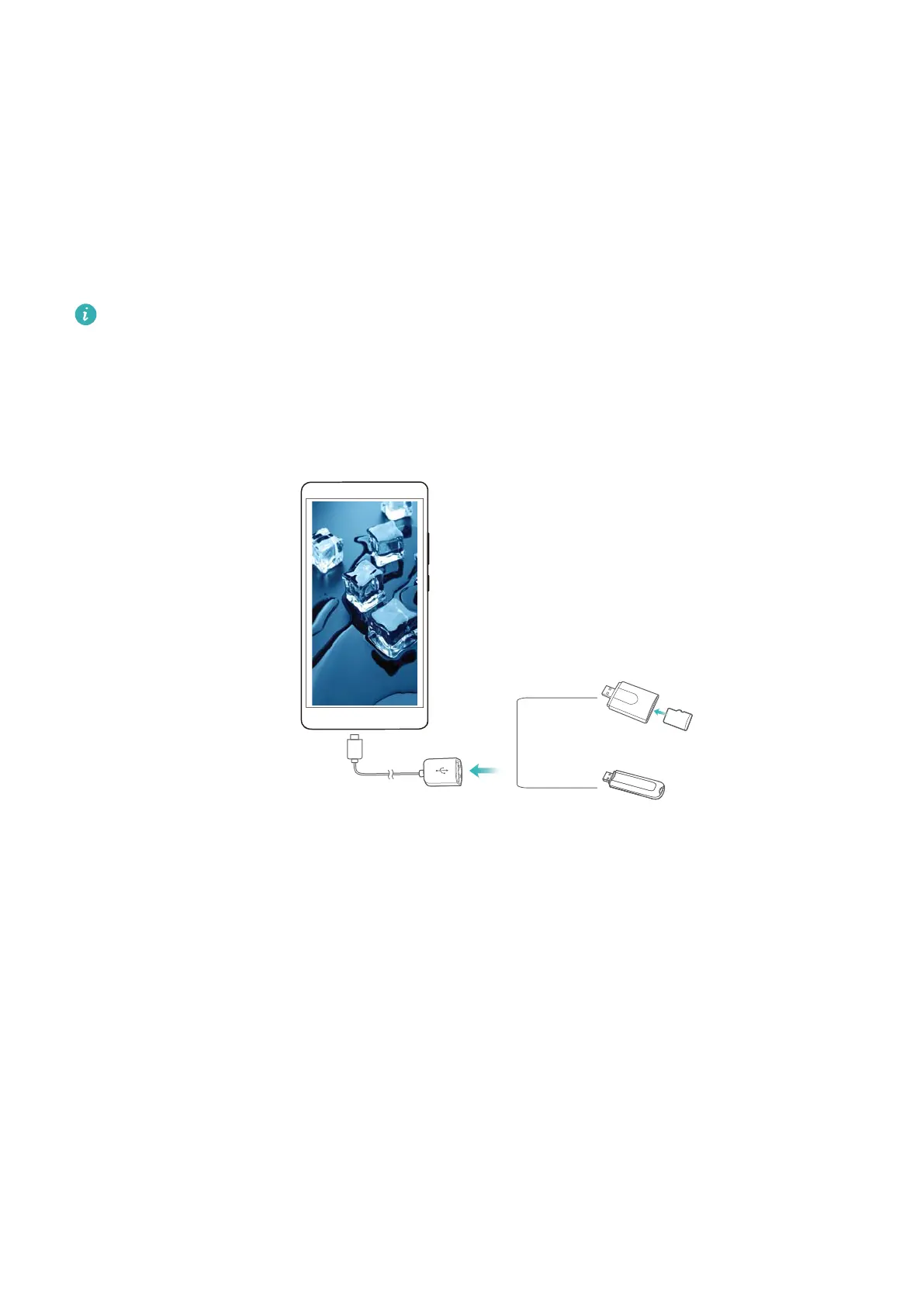
Your phone can access data on USB flash drives, card readers, and other storage devices using
a USB OTG cable.
l This feature is only available on phones that support USB OTG cables.
l If your phone has a USB Type-C port, purchase a micro USB to USB Type-C adapter, or
use a USB OTG cable with a USB Type-C connector.
1 Connect your phone to a USB flash drive with a USB OTG cable.
2 Touch Files > Local > USB drive to browse data on the flash drive. You can select and copy
data to a destination folder.
3 When you have finished browsing, touch Settings > Memory & storage > USB drive >
Eject.
4 Disconnect the USB OTG cable from your phone and the USB flash drive.
Network and Sharing
51



 To Next Page