13
1. Enter the app list, select the Blood pressure app, and start a measurement. The device will then start to
inate automatically and it will display the pressure data on the screen in real time. You can also press the
Down button to immediately start a blood pressure measurement.
2. Once the measurement is complete, the device will automatically deate and display the measurement
result.
2.7 Ambulatory Blood Pressure Monitoring (ABPM)
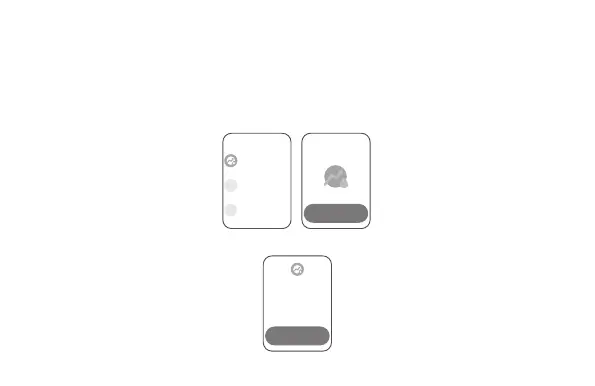
1. Enter the app list, select the Ambulatory Blood Pressure Monitoring (ABPM) app, and set an ambulatory
blood pressure monitoring plan.
2. Once you have set an ambulatory blood pressure monitoring plan, the device will perform measurements
according to the plan.
ABPM
xxxx
xxxx
ABPM
Start plan
ABPM
Start



 To Next Page