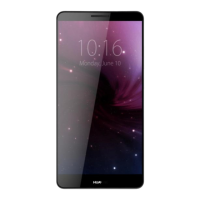
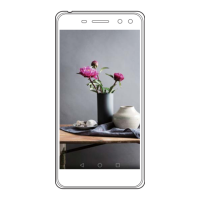
Press … To …
: Press the left or right navigation key to switch
between the screens.
Access the main menu in standby mode.
Confirm a selection in menu mode.
Start playing music after the music player is launched.
Increase the volume in standby mode or during a call and
music playing.
Decrease the volume in standby mode or during a call and
music playing.
Launch the camera in standby mode by pressing the
key.
Take a picture after the camera is launched.
3



 To Next Page