Step2
Routing network cable
Network cables cannot be directly used to connect FE or GE ports between the
MA5821 and MA5822.
If they are directly connected, FE or GE ports will be deactivate when the ring check
function is enabled.
If FE or GE ports are deactivated, perform the following to activate them:
1. Run the
display ring check record
command to query whether a ring network is
formed on ports.
2. Disconnect the network cable if a ring network is formed on ports.
3. Run the
undo shutdown
command to activate the port or run the
ring check
resume-interval
command to set the automatic port activation time to activate the port.
Step3
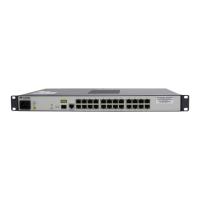
Routing POTS cable
(
Only MA5822 support
)
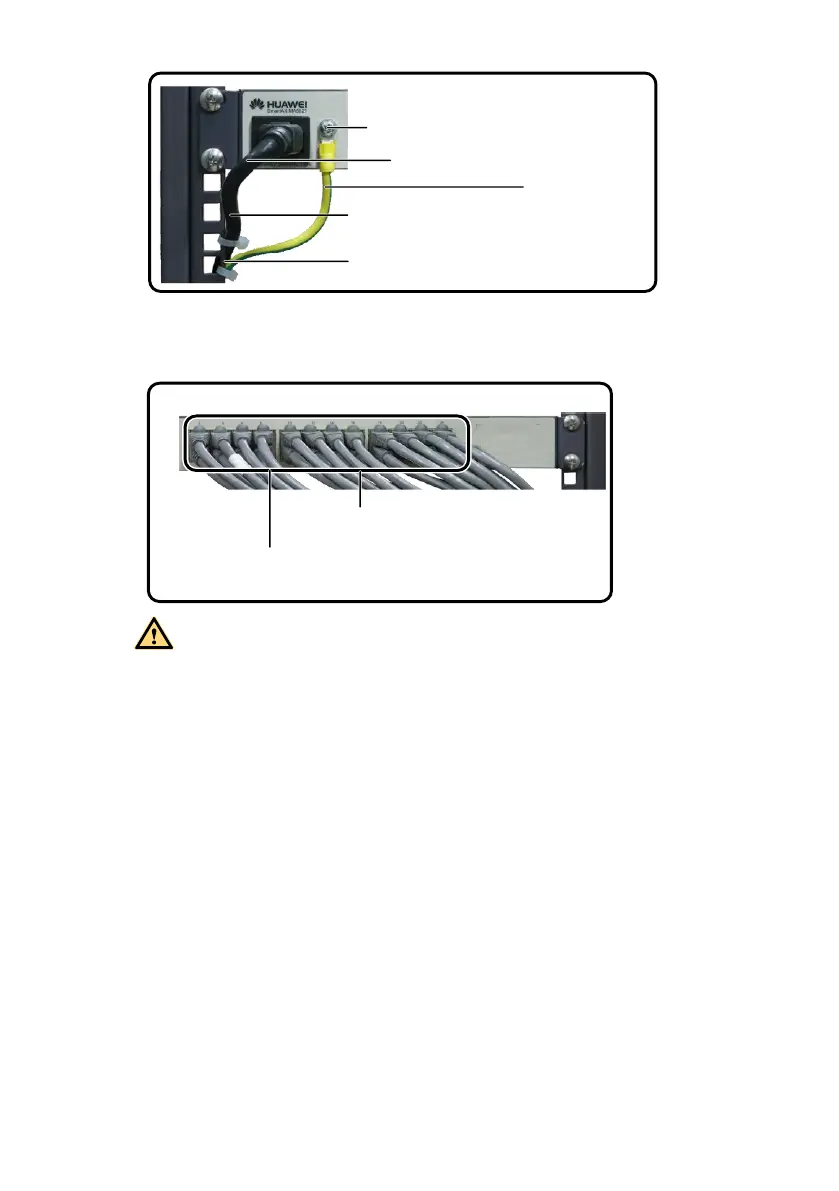
To the grounding point of the cabinet
PGND cable
AC power cable
To AC power socket
OT6-4
Network cable
To subscriber device



 To Next Page