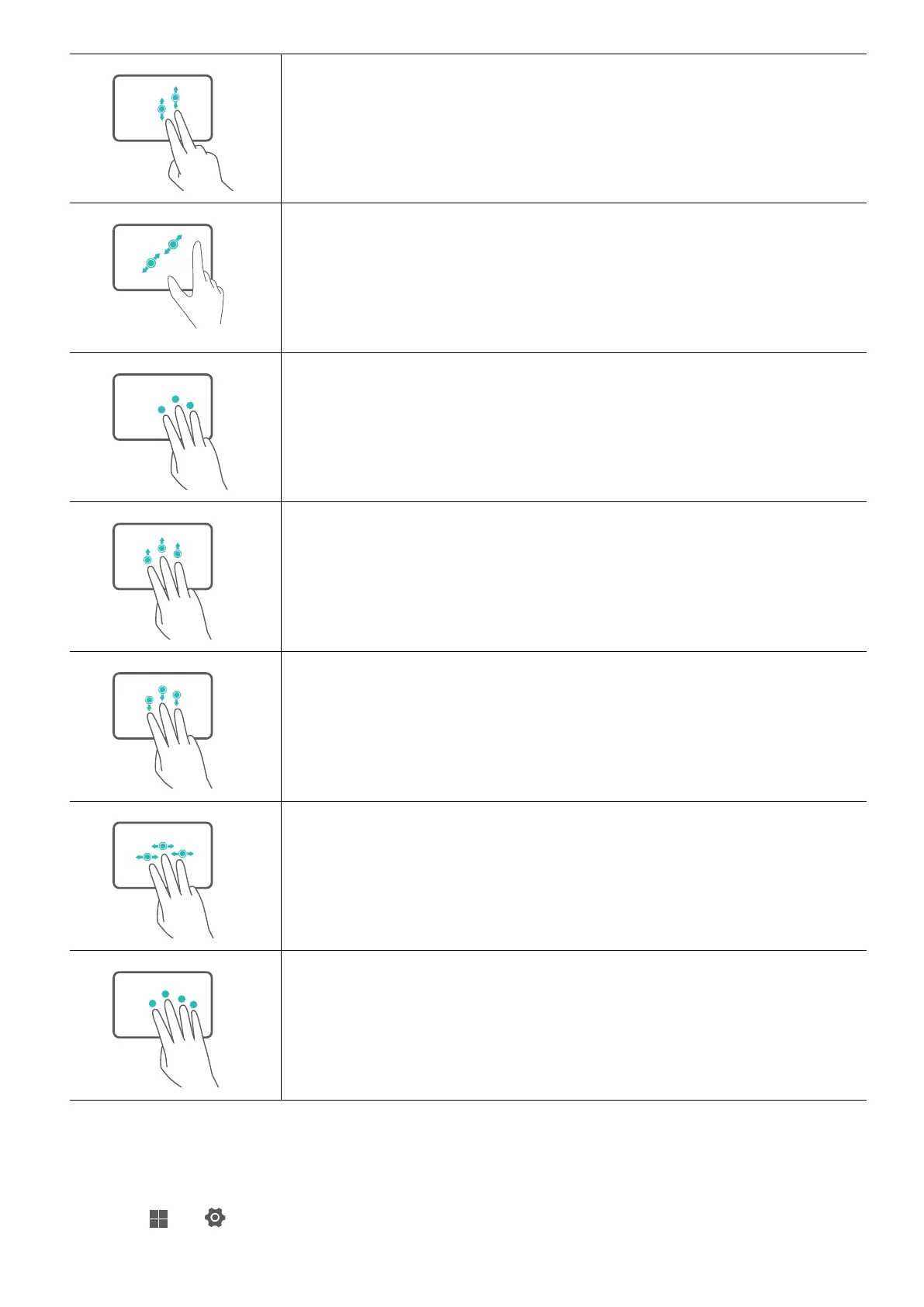
Slide up or down with two ngers: Scroll up or down.
Pinch in or stretch out with two ngers: Zoom in or out.
Tap with three ngers: Open search.
Slide up with three ngers: See all open windows.
Slide down with three ngers: Show the desktop.
Slide left or right with three ngers: Switch between open
windows.
Tap with four ngers: Open notication center and calendar.
Modify touchpad settings
You can modify touchpad settings to suit your own preferences.
1 Click
> to open Settings.
Touchpad
7







 To Next Page