2
Initial setup
Charge your MateBook D before using it for the first time to activate the battery.
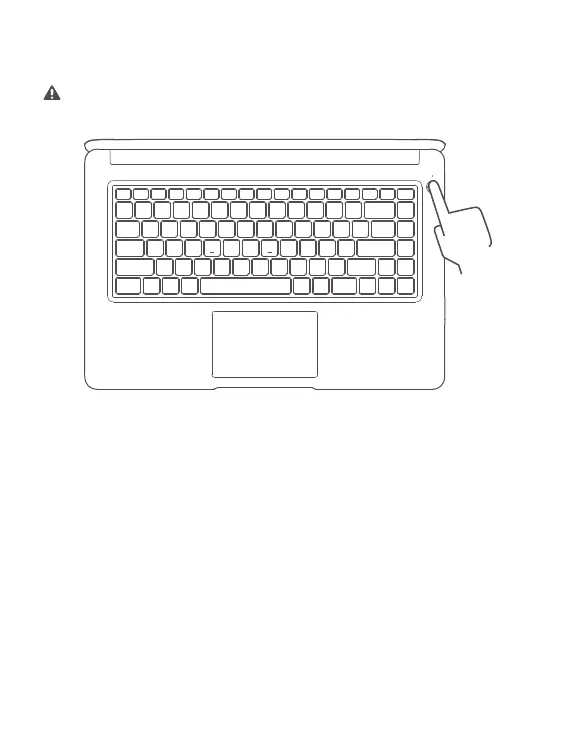
Press the power button to turn your MateBook D on.
When you use your MateBook D for the first time, follow the onscreen instructions to
complete the setup.
•
Connect to a wireless network
•
Log in to your MateBook D using a Microsoft account
Log in with your Microsoft account (such as Ou
tlook.com) to access a range of
Microsoft services on your MateBook D.
•
Set a PIN
Use your PIN to log in to your MateBook D and other apps and services.














 To Next Page