3
Getting started
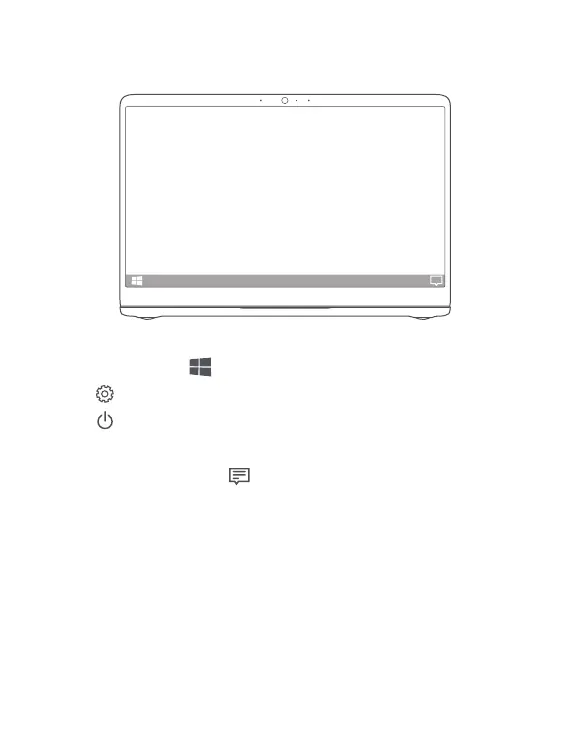
Start menu
On the home screen, click to open the start menu. You can:
•
Click to access the MateBook D settings.
•
Click to turn off or restart your MateBook D, or enable sleep mode.
Action center
To launch the action center, click . You can then:
•
Quickly access the settings, VPN, and projector screens.
•
Quickly change frequently-used settings (such as airplane mode and screen
brightness).














 To Next Page