HUAWEI MC850/MC851 Media Phone User Guide 5 Call Features
25
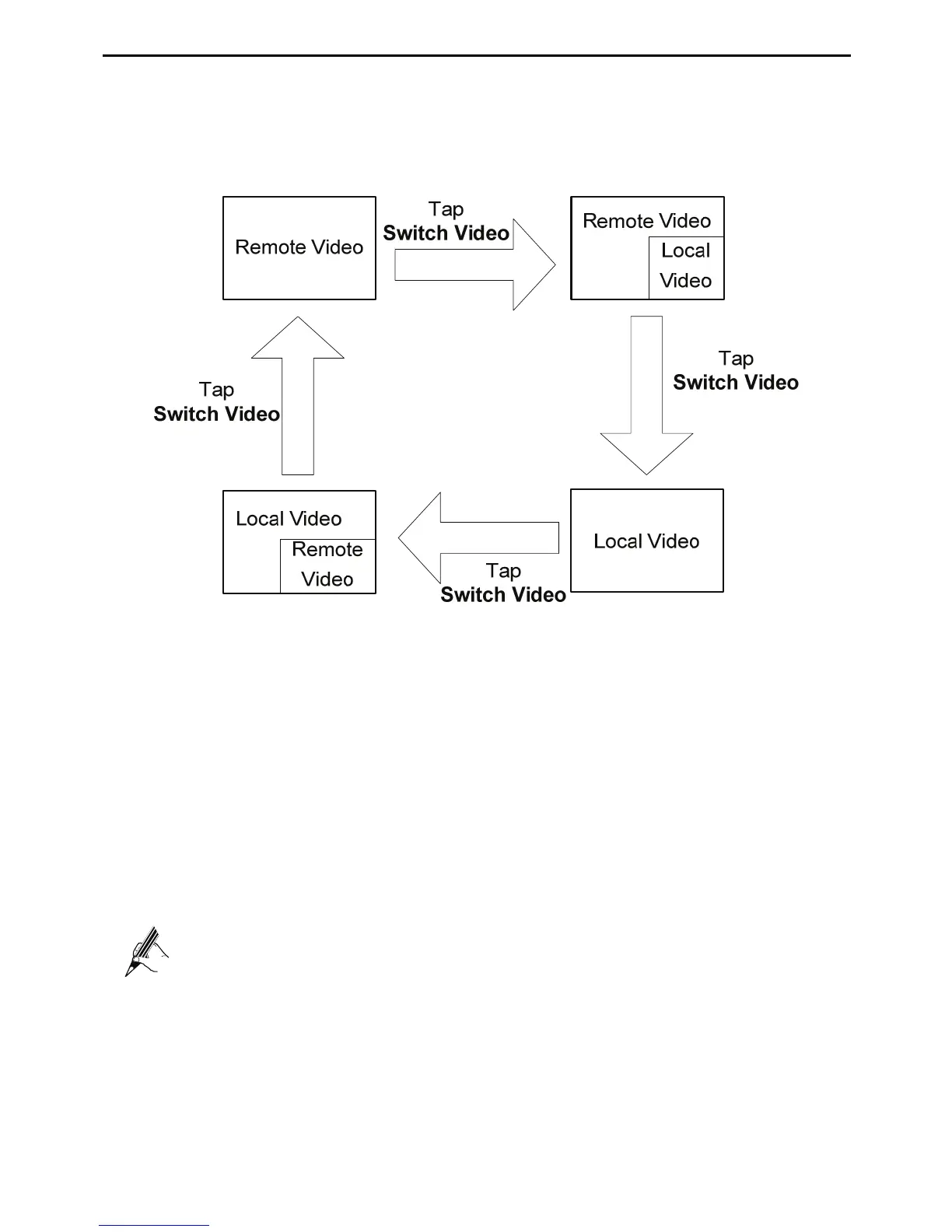
Switching Between Local Video and Remote Video
During a Call
During a video call, you can switch between the local video and the remote video.
Three-party calling
During a call, you can call the cordless handset to set up a three-party call.
To set up a three-party call, do as follows:
Step 1
During the call, tap
Interphone
.
Step 2
Choose the handset as required.
Step 3
Tap
Three-party calling
.
Step 4
Wait for the call to be answered.
To set up a three-party call on a cordless handset, see "Setting up a
Three-Party Calling" on page 64.
Transfer a Call
During a call, you can transfer the call to the handset.
To transfer the call to the handset, do as follows:
Step 1
During the call, tap
Interphone
.



 To Next Page