HUAWEI MC850/MC851 Media Phone User Guide 13 Cordless Handset
60
No. Item Function
5
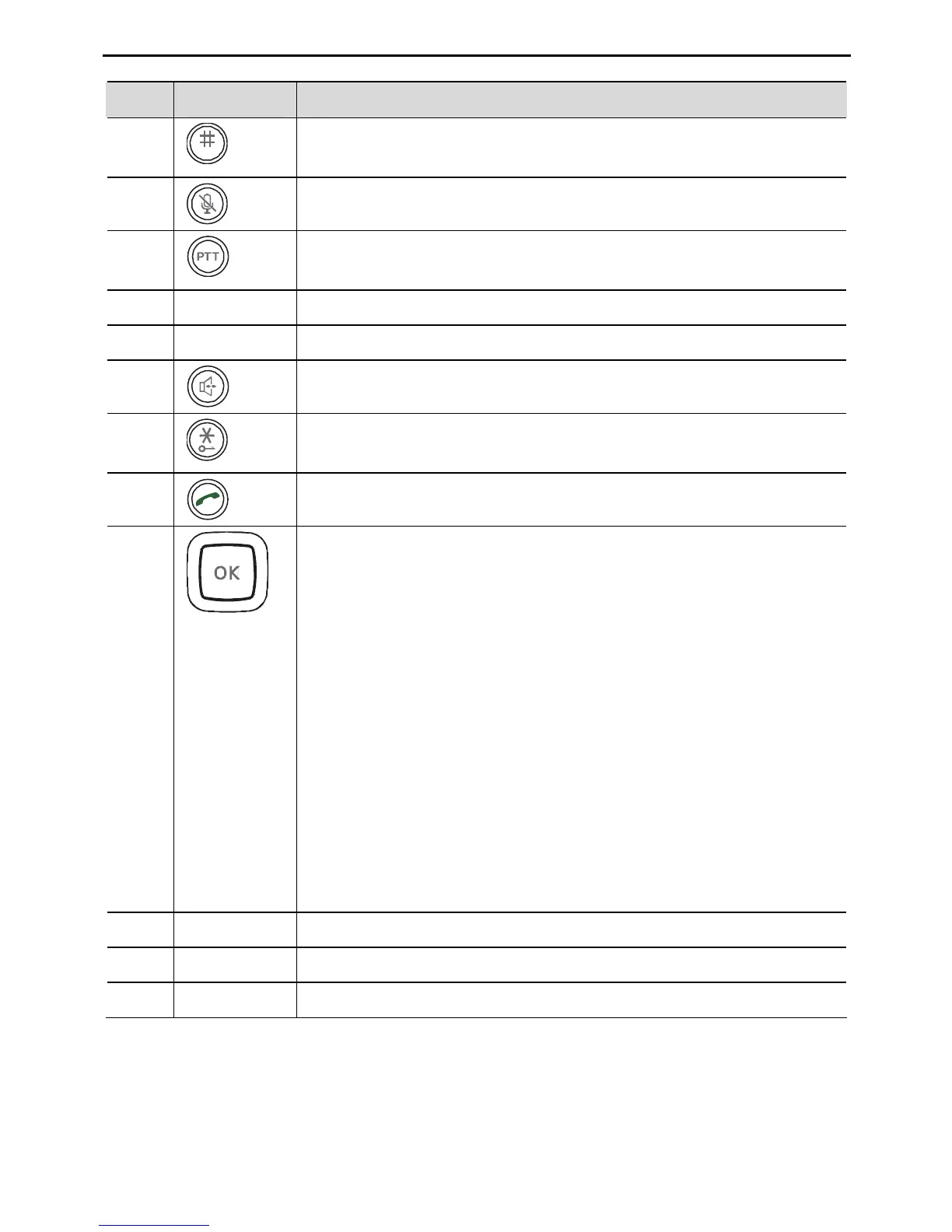
Pound key. Press to enter # or switch between different input
methods.
6
Mute key. Press to mute the microphone.
7
Internal call key. Use to make an internal call or transfer an
external call.
8 - Microphone.
9 - Charger pins.
10
Speaker key. Press during a call to use the hands-free function.
11
Star key. Press and hold to turn on or off the keypad lock
function.
12
Dial key. Press to answer or make a call.
14
Navigation keys. Use the up or down navigation key to select
items. During text editing, use the left or right navigation key
to move the cursor.
In standby mode:
z Press the right navigation key softly for the list of dialed
numbers.
z Press the up navigation key softly for the list of missed
calls.
z Press the down navigation key softly for Phonebook.
In a call:
z Press the up navigation key softly to increase the earpiece
volume.
z Press the up navigation key softly to decrease the earpiece
volume.
15 - Earpiece.
16 - Speaker.
17 - Battery cover.



 To Next Page