7
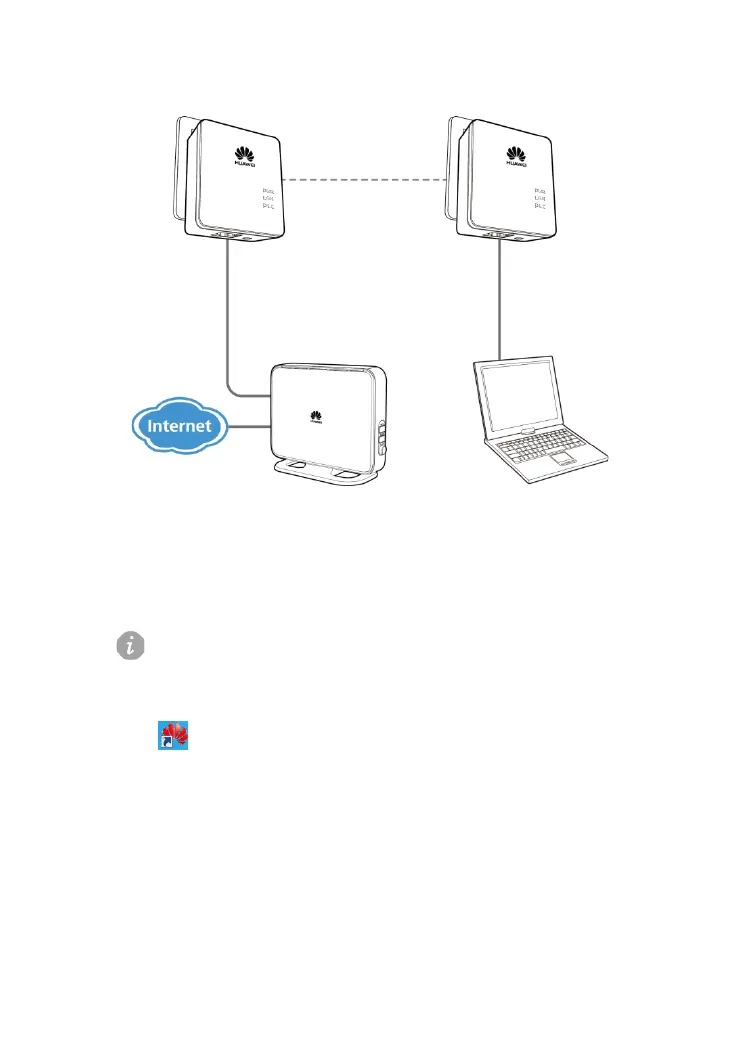
To configure your private network:
1. Check that the PWR indicator on the PT500 is steady on.
2. Install PCU software.
Please run PCU software in Windows XP, Windows Vista or Windows 7.
3. After the setup is complete, running the PT500 Configuration Utility software
, the PT500 Configuration Utility window is displayed, as shown in
Figure 3-2:
Figure 3-2 PT500 Configuration Utility window



 To Next Page