13
Enter Password Set password for a specified device. When you manage a
remote power line adapter through the PCU software, you
must match the password first.
Add New Device Add a device.
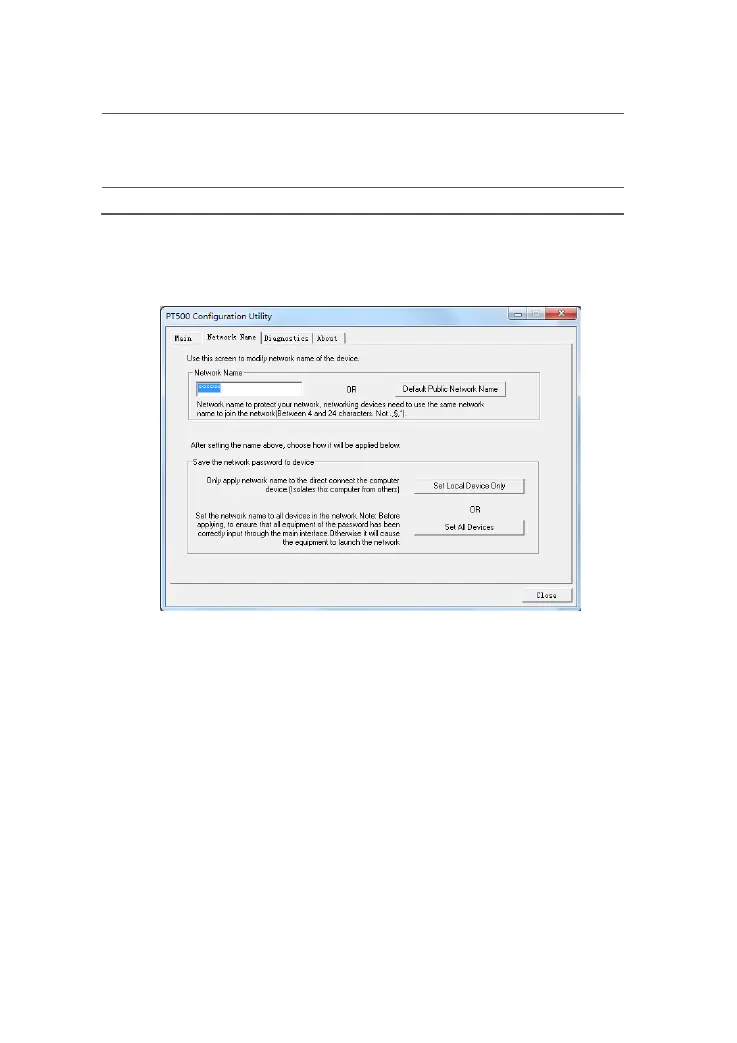
Netw ork Name Tab Page
Figure 4-2 shows the Network Name tab page.
Figure 4-2 Privacy tab page
To rename a private network, display the Network Name tab page on the PCU, enter a
new name in the Network Name text box, and click Set All Devices. All devices will
restart to set up a private L AN.
Diagnostics Tab Page
Figure 4-3 shows the Diagnostics tab page.
Figure 4-3 Diagnostics tab page



 To Next Page