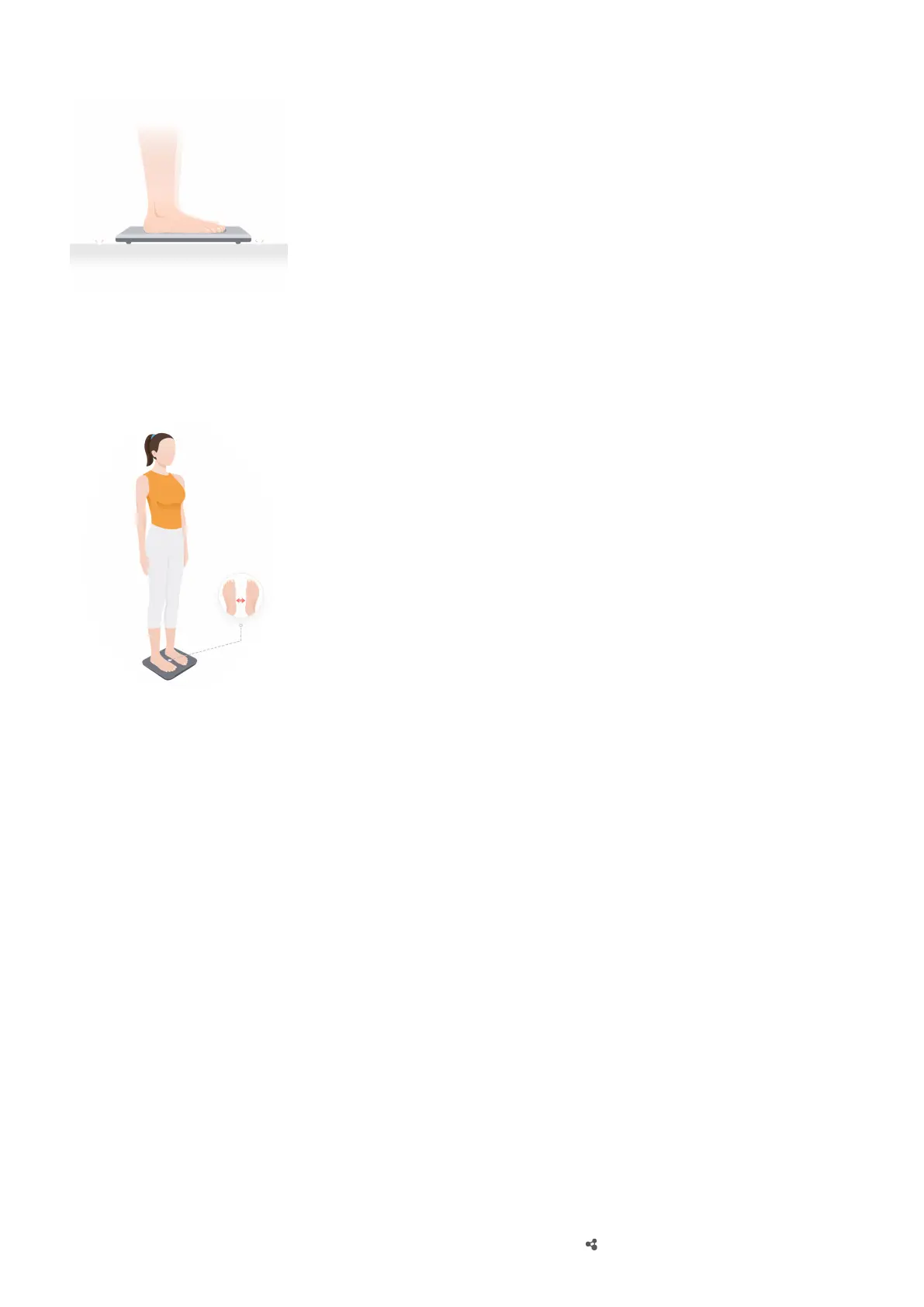
Make sure that there is enough space around the scale, that nothing is obstructing the scale
in any way, and that the feet of the scale are not sitting in the gaps between oor tiles.
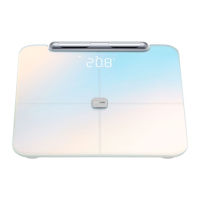
Step on the scale barefoot.
Starting a measurement
Starting an online measurement using the Huawei Health app (The device is connected
to the Huawei Health app via Bluetooth.)
1 Open the Huawei Health app, and follow the onscreen instructions to start a
measurement.
• On the Health screen, touch the Weight management card, select a user, choose
MEASURE at the bottom of the screen, and follow the onscreen instructions to step on
the scale and measure weight.
• On the Devices screen, select your scale name to enter its details screen. Touch START,
and follow the onscreen instructions to step on the scale and measure weight.
2 After the measurement is complete, you can view the results in the Huawei Health app.
Starting an oine measurement (Bluetooth is not connected.)
1 Stand barefoot on the scale, with your legs and back straight.
2 First, the scale will measure your weight. After the weight measurement, the scale will
measure other
tness data such as fat percentage (when lights up). If you do not need
Starting a measurement
5


 To Next Page