15
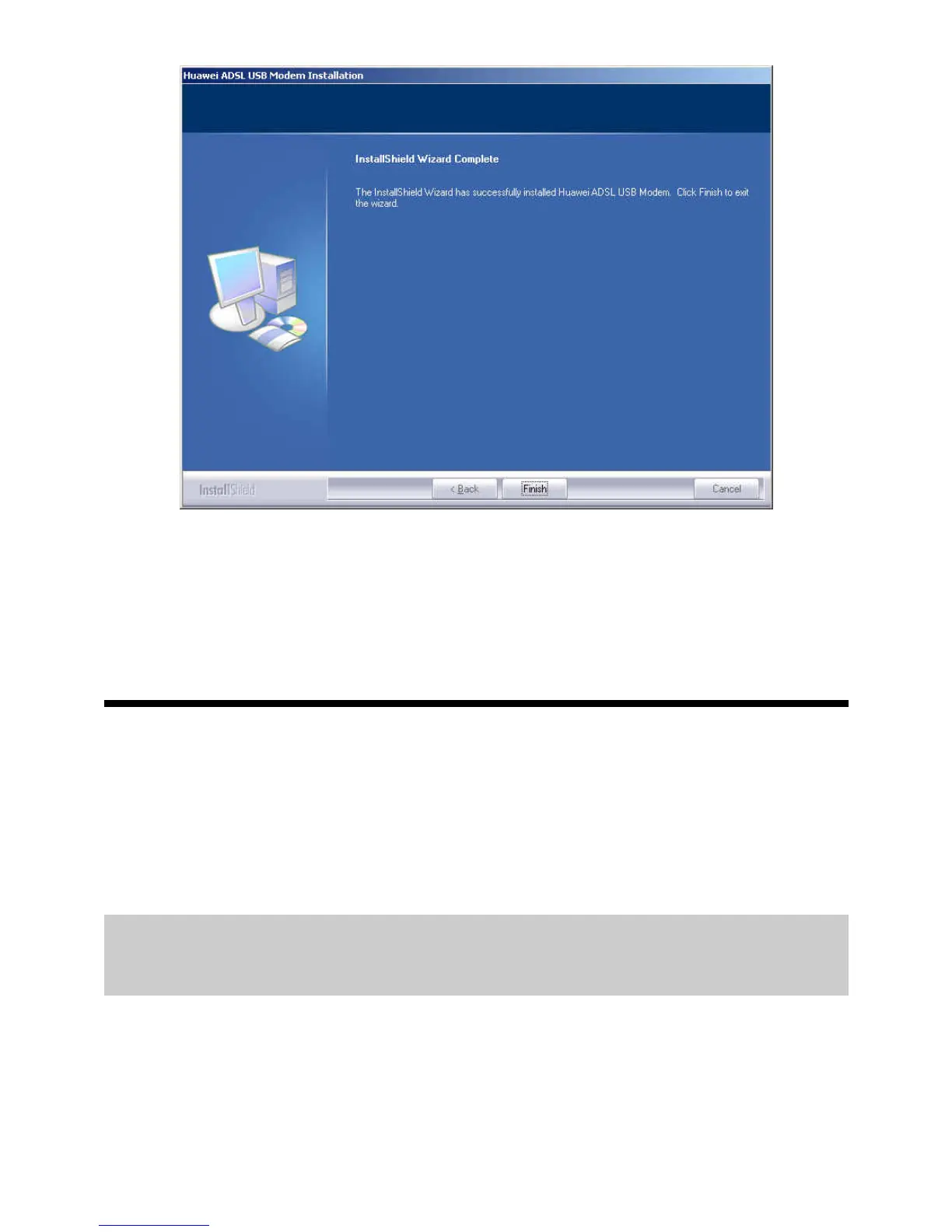
Step 9
Click
Finish
.
4 Setting the Network-Access Parameters
By configuring the MT882a and the computer, you can choose any of the following
methods to surf the Internet:
z
Accessing the Network Through the Embedded PPP Dial-Up Software of the
MT882a
z
Accessing the Network Through the PPP Dial-Up Software on the Computer
4.1
Accessing the Network Through the
Embedded PPP Dial-Up Software of the MT882a
If you select this method for accessing the network, the MT882a starts to set up dial-up
connection automatically after the startup. You can access the network after you power
on the computer. You do not need to install any special dial-up software on the
computer or perform the dial-up operations on the computer. To configure the MT882a
and the computer for the network access, do as follows:
Step 1
Log in to the Web configuration page.


 To Next Page