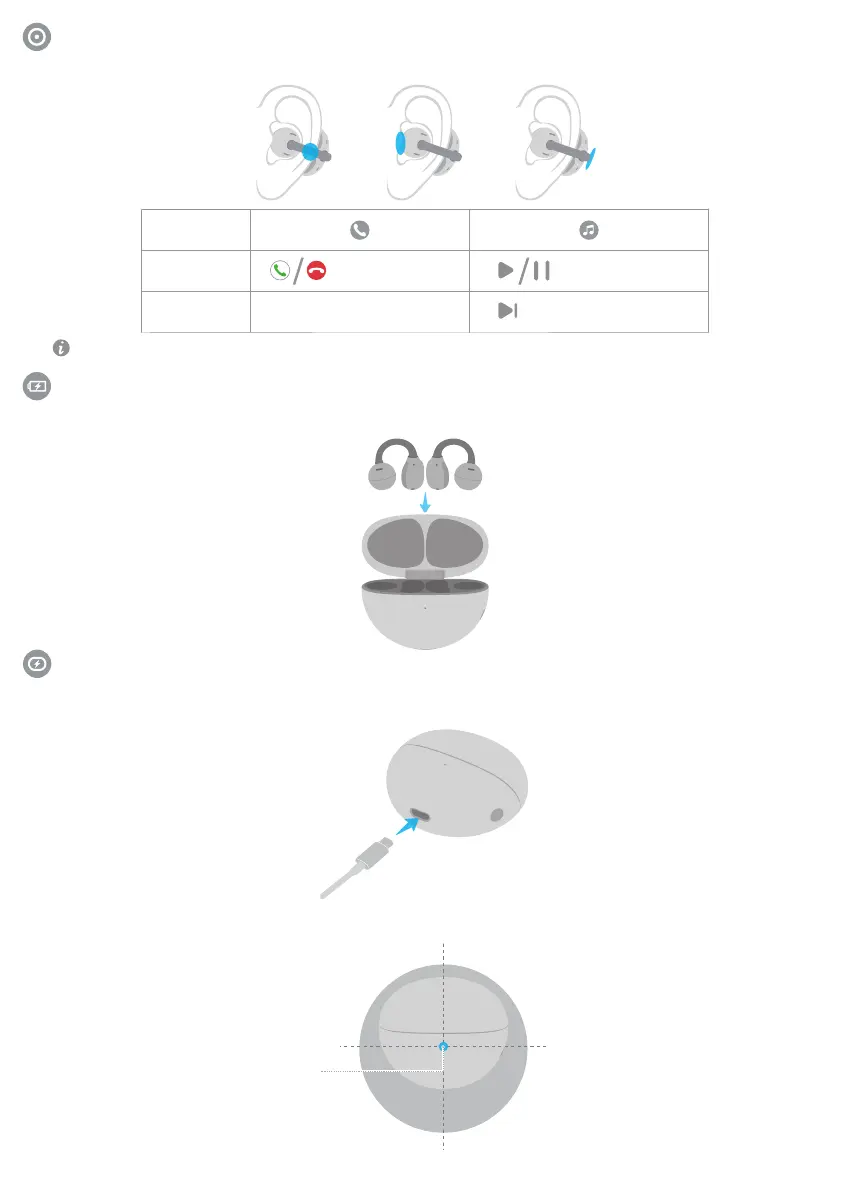
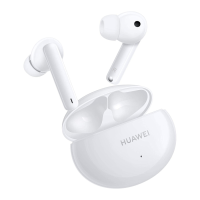
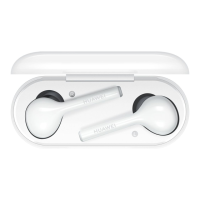
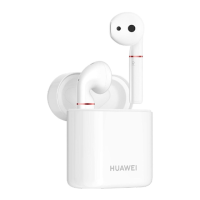
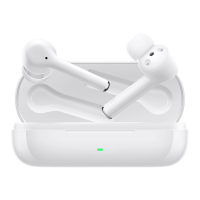
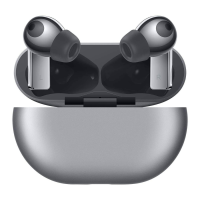
Tap anywhere in the blue area to control the earbuds.
Shortcut controls
You can also customize the double-tap and triple-tap gestures in the HUAWEI AI Life app.
Method 1: Wired charging
Connect the case to a power source via a USB-C cable to begin charging it.
Method 2: Wireless charging
Place the charging case on a compatible wireless charger with the indicator facing upwards and aligned with the
center of the wireless charger.
Charging the case
Double-tap
Triple-tap
/
Play/Pause audioAnswer/End a call
Next track
Indicator
Charging the earbuds
Place the earbuds in the charging case to initiate automatic charging.
2


 To Next Page