Connect your computer to the
Extender via Wi-Fi.
Make sure that you have switched on
your Wi-Fi, on your computer. Click on the
Wi-Fi icon in the system tray and select
Wi-Fi Network HUAWEI-DRGNWF.
Type in the Wi-Fi password that
you will find on the belly label of the
Wi-Fi Extender.
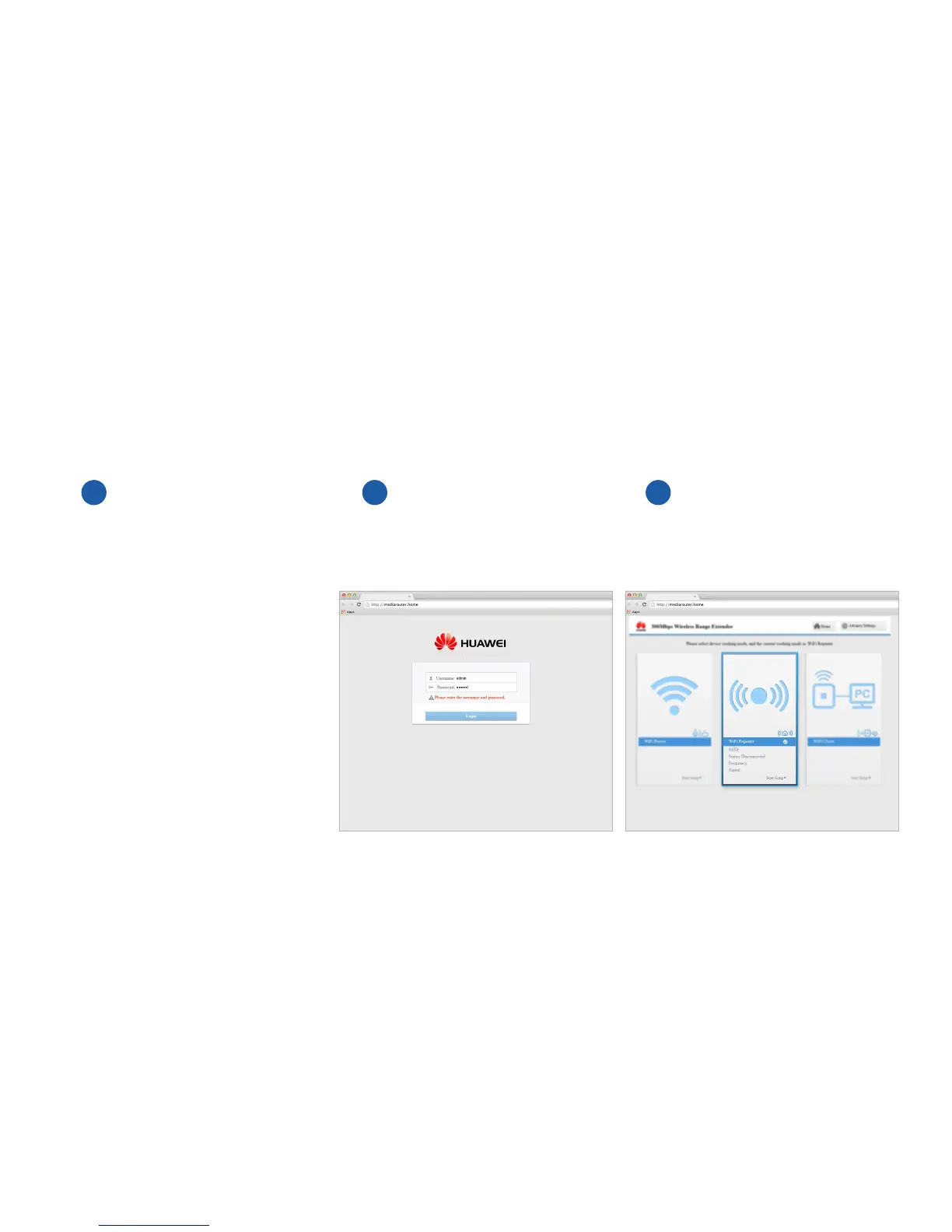
Open your internet browser and go to
http//mediarouter.home (or 192.168.33.1). Type in
admin for both the username and password and
click Login.
Select the middle tab for Wi-Fi Repeater.
1 2 3
Setting up your
Wi-Fi Extender.



 To Next Page