3 Setting Up a Wireless Connection
When using the WS320, you need to set up a wireless connection between the
WS320 and the wireless router only. Then the PC can connect to the wireless
network extended by the WS320 as it connects to the wireless network
implemented by the wireless router. You need to connect the WS320 to the
wireless network for only one time. Then when you restart the WS320, the WS320
will automatically connect to the wireless network that it connected to last time.
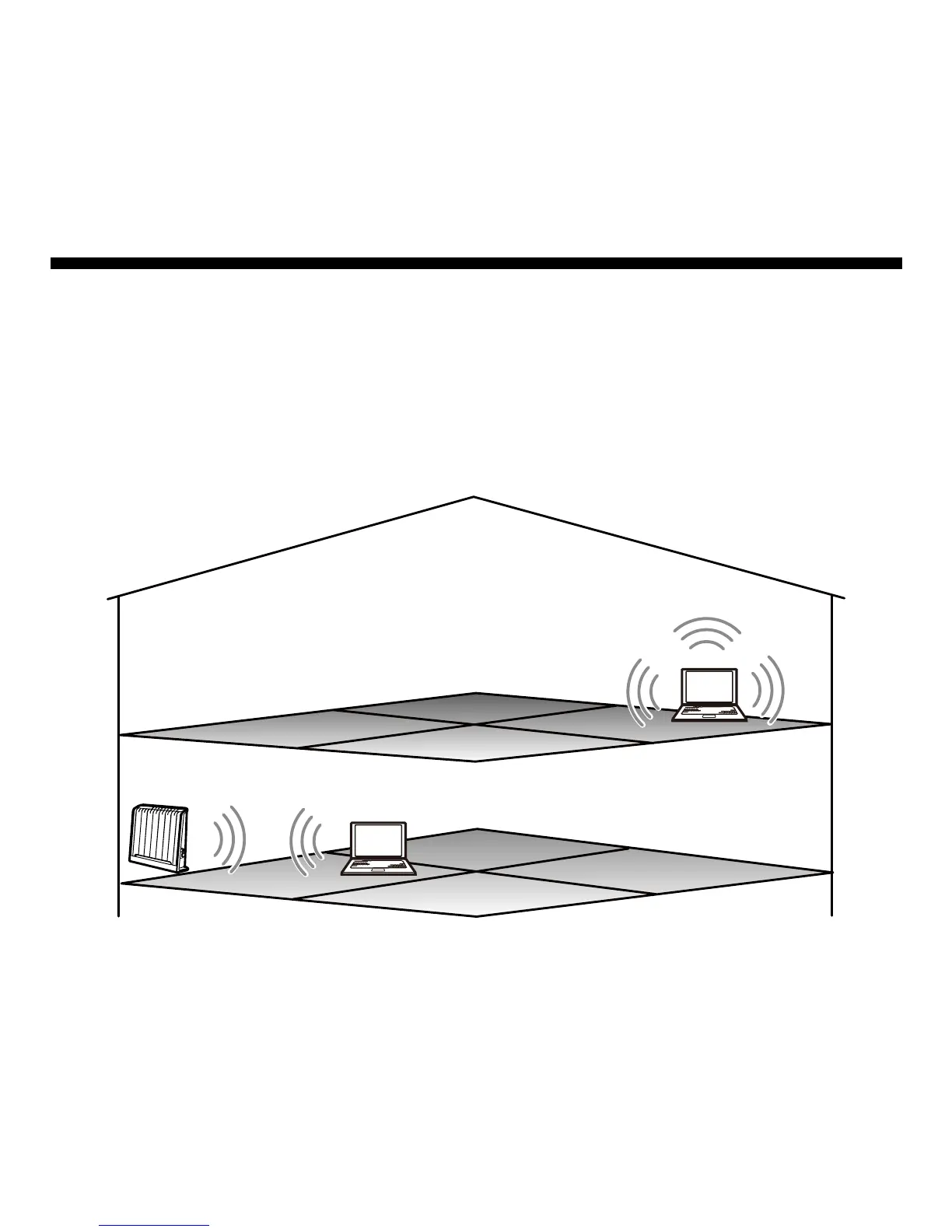
Suppose that you are in the network environment as shown in the following figure.
B
A
C
?
?
?
Your PC is placed in Room A and it is connected to a wireless network. Because
Room C is far from the wireless router and wireless signals are blocked by several
9



 To Next Page