1
2
3
4
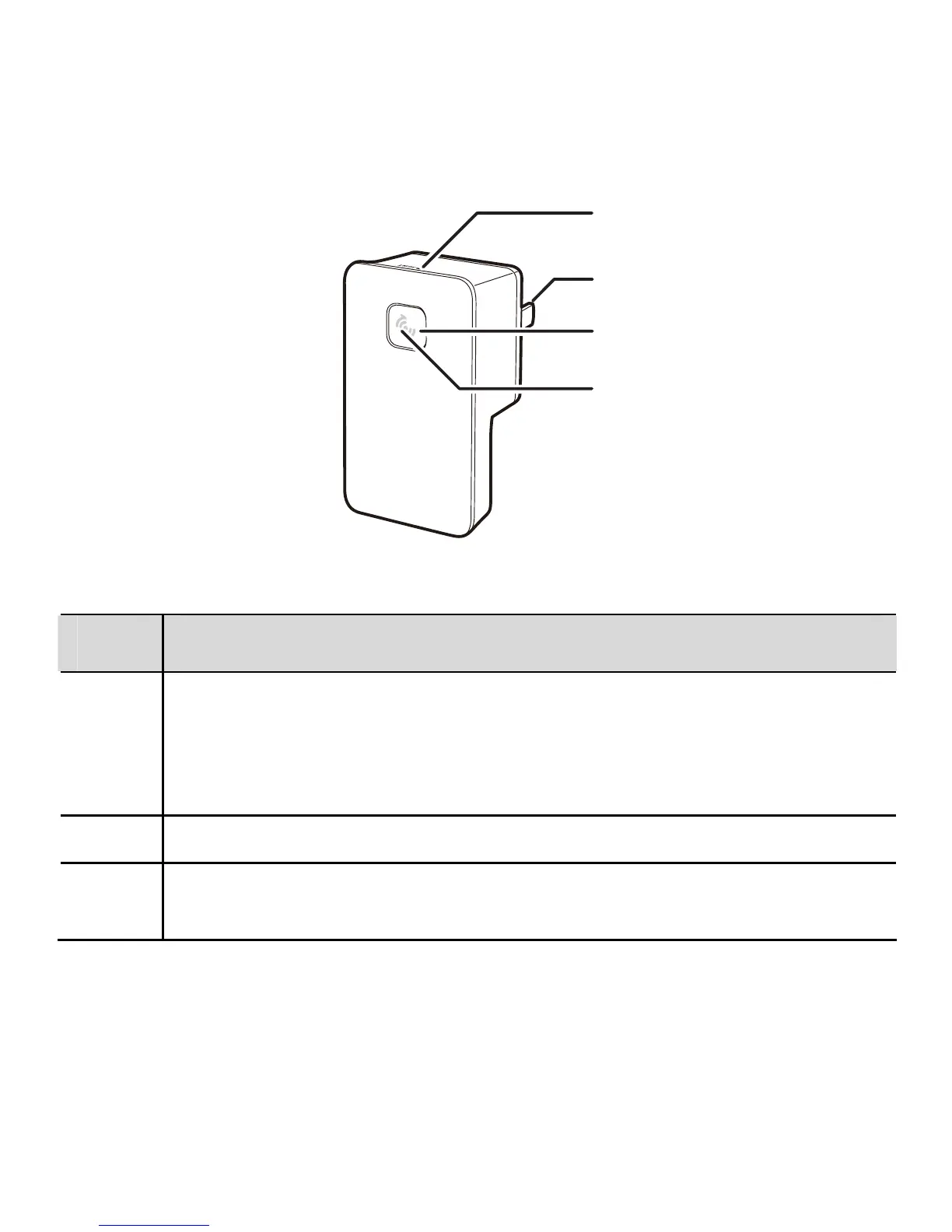
The following table describes the interface, buttons, and indicator of the WS320.
No. Description
1 Reset button: used to restore the default settings of the WS320.
When the WS320 is powered on, press and hold the reset button of
the WS320 for over 1s, and then release it. Then the WS320
automatically restarts and the default settings are restored.
2 Power plug: used to connect to a power socket.
3
WPS button: used to start the WPS negotiation of the WS320 to set
up a wireless connection between the WS320 and a wireless router.
36



 To Next Page