Step 5
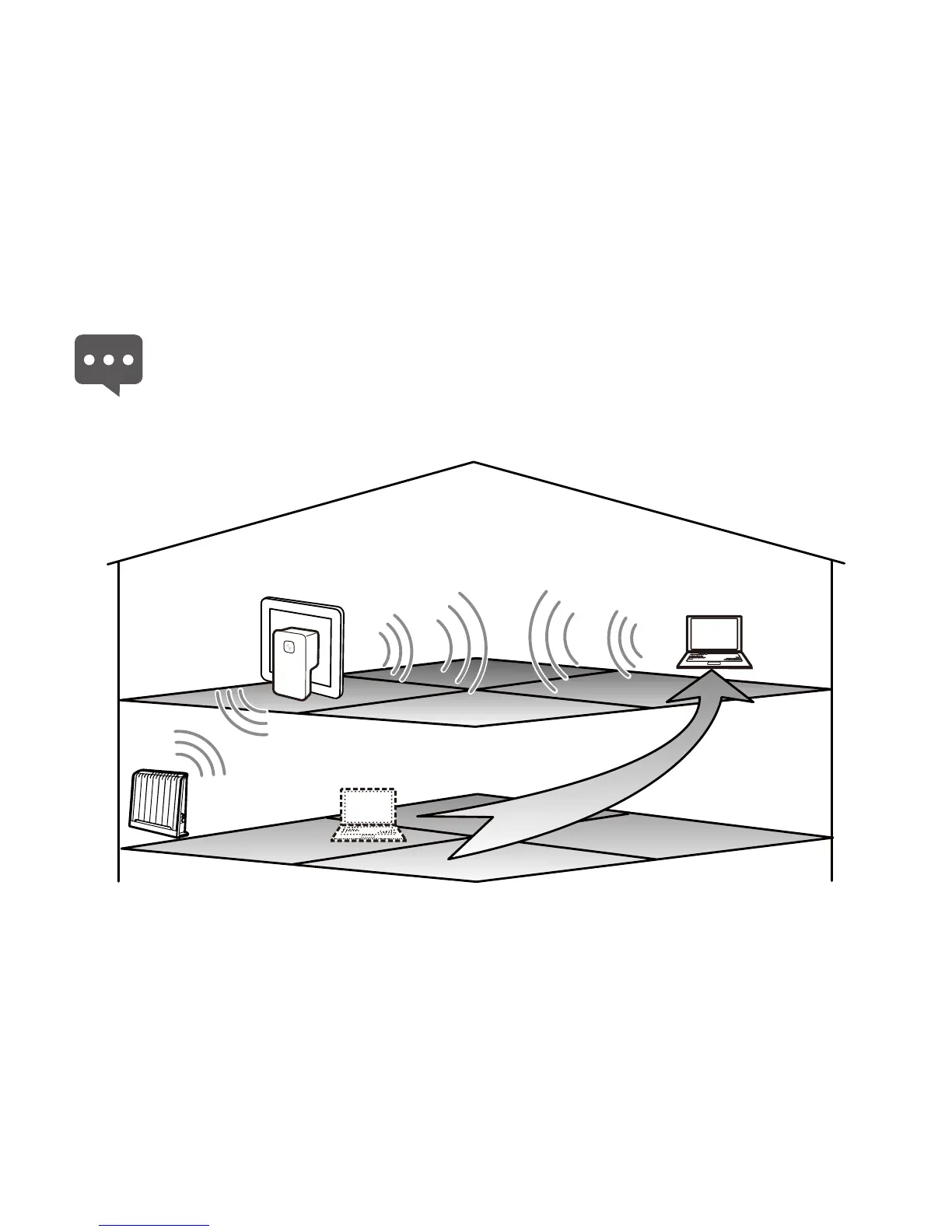
Place the PC in Room C. After being started, the PC automatically
connects to the wireless network extended by the WS320. At this moment,
the extended network can be used the same as that implemented in Room
A.
If you want to connect another PC to the wireless network, you can
directly connect the PC to the wireless network in Room C. For the
method of manually configuring a wireless connection on the PC, see
5 "FAQs."
B
A
C
16



 To Next Page