Step 3
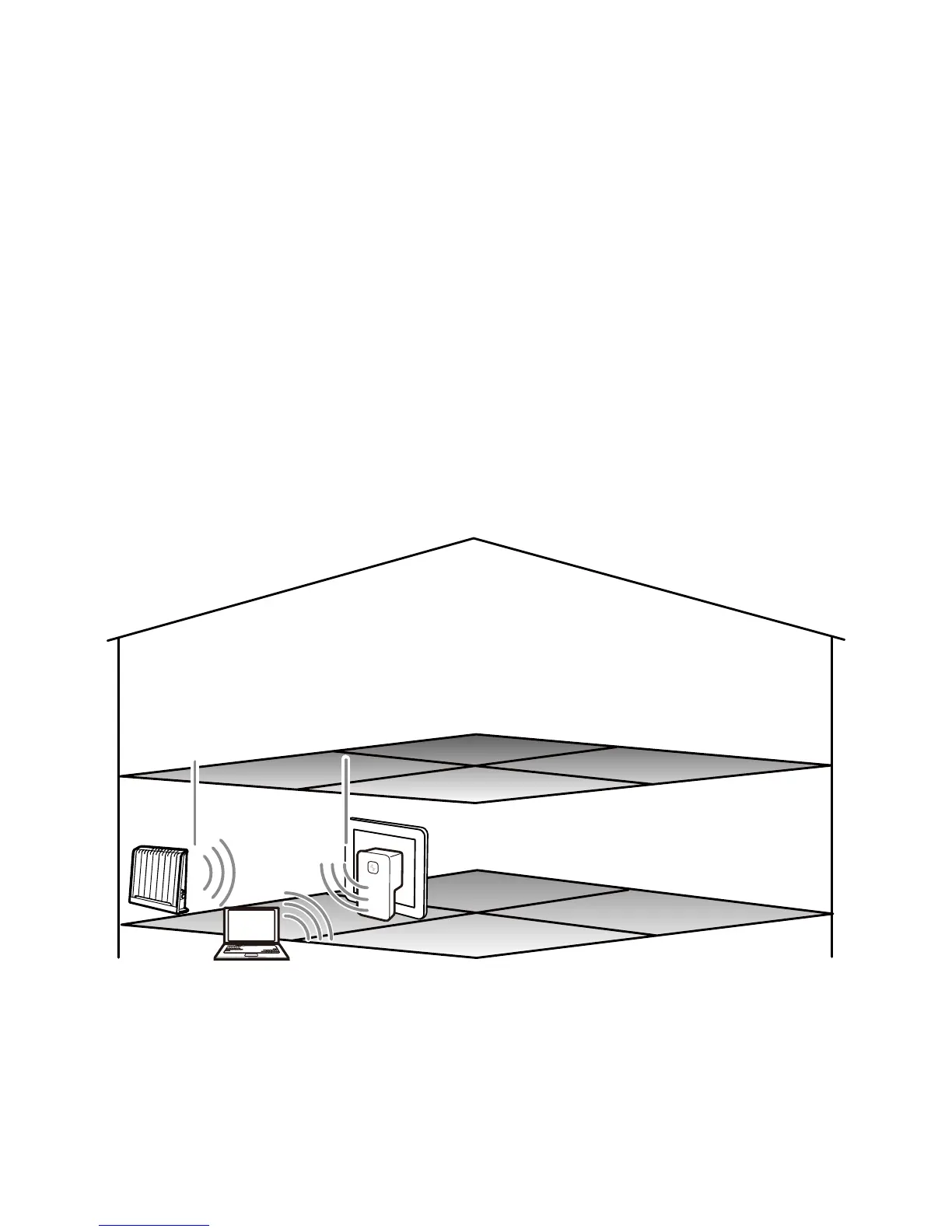
In Room A, log in to the quick configuration webpage of the WS320 on
the PC.
1. Set up a wireless connection between the PC and the WS320. The
SSID of the wireless network to be connected is Repeater. For the
method of manually configuring a wireless connection on the PC, see
5 "FAQs."
2. Configure the network connection of the PC, enabling the PC to obtain
an IP address automatically.
3. Launch the browser on the PC. Enter http://192.168.1.254 in the
address bar, and then press Enter.. The quick configuration webpage
of the WS320 is displayed.
B
A
C
SSID: AP
SSID: Repeater
SSID: Repeater
SSID: Repeater
20



 To Next Page