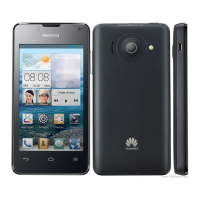
HUAWEI T8833 智能手机 FAQ
文档版本 01 (2012-11-30) 内部公开 第 48 共 70
2.8.8 Phone can’t online, network setting
Put in the SIM card, APN will configure network parameters automatically
Way to check: enter into main menu, choose setting>Setting All>wireless& network>
more…>mobile network>access point(APN)
When the parameters are set to appear incorrect, you can touch the menu in the APN screen,
choose Reset to restore the default settings.
2.8.9 Turn on/off data service
Turn on/off data service:
•enter into main menu, choose setting>Setting All>wireless& network>more…>
mobile network, choose “china mobile”(or “china union”), to open data connection,
choose close to turn off data service.
•turn on the data service in the drop-down notification bar:



 To Next Page