Form creation date: 01.04.2008
Document creation date: 13.01.2020
9 / 18
3.5 Data registration (OPTIONAL)
During the surveys there is the possibility to record up to 500 measurement
readings in the internal memory of the METREX2. If the record button (2) (fig.1 e
fig.16) is pressed during the normal function of the METREX2, the actual value on
the display is 'frozen in'. The displayed value starts blinking and an acoustic signal
is given to indicate the special status. Additionally the pump is switched off.
fig. 16
The instrument will stay in this mode until any other button (other than button (2)) is pressed which
will restore the normal function. But pressing button (2) again will show the number of the last
measurement saved (n 0 for example means that no data storage was done so far). By pressing of
button (2) for a third and last time, the new reading will be recorded consecutively in the internal
memory and with that the instrument returns to the normal function.
The following procedure makes it possible to show all recorded readings on the display of the
instrument, e. g. before transferring the data to a computer. Press the record button (2) two times
and the number of the last reading will be displayed. By pressing the buttons (4) or (5) (see fig. 1) all
savings can be run through forward or backward. When the wanted record is reached, the value of
the reading will be shown by holding the button pressed for min. 2 seconds and as long as the button
is held down. To return to the normal function without saving any data press button (3).
To cancel all records connect the METREX2 to the battery charger and to the power supply (recharging
mode). Press the buttons (2) and (5) (see fig.1) simultaneously for min. 2 seconds.
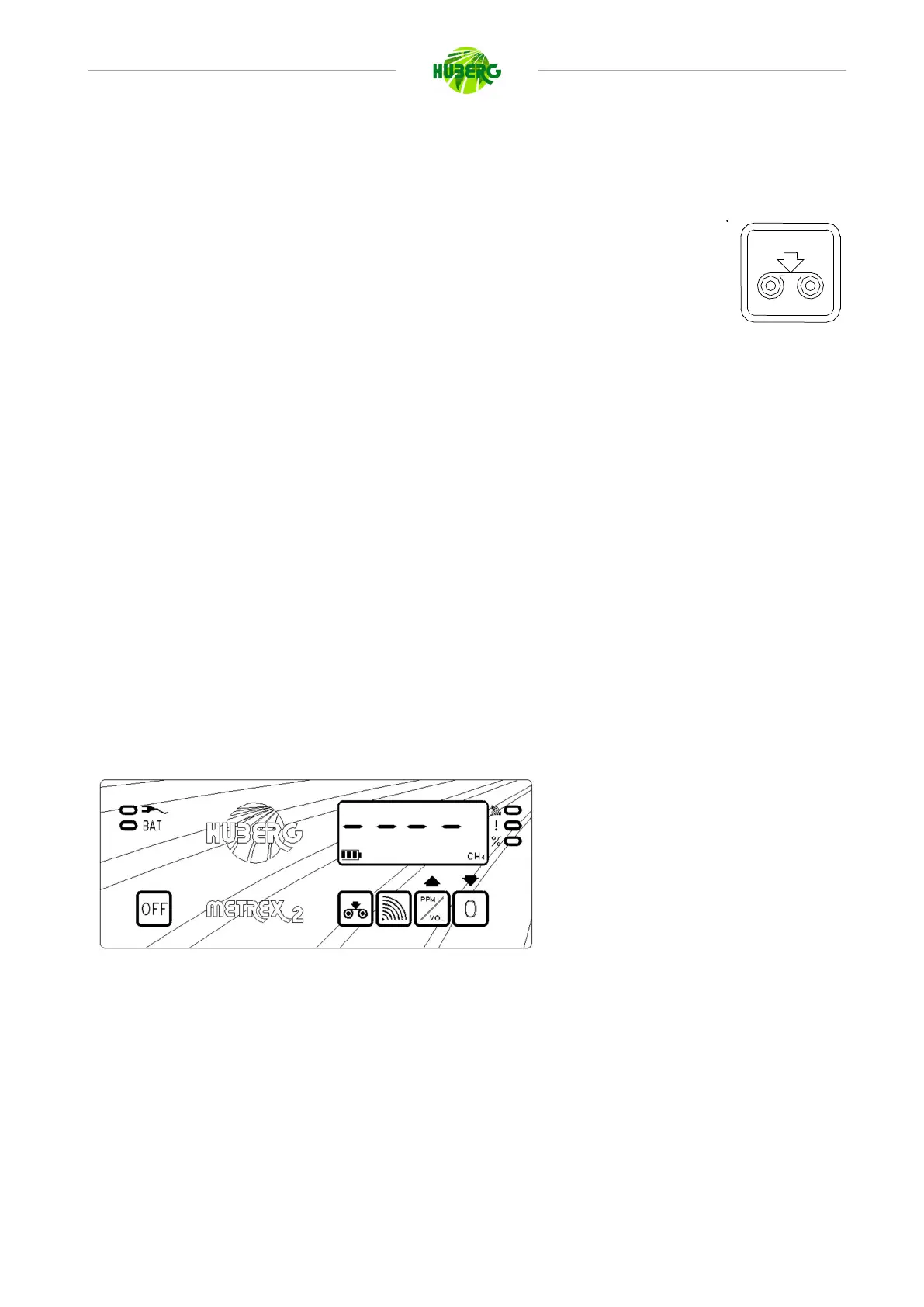
fig. 17
The instrument then emits an acoustic
signal and shows at the display the
writing - - - - (fig.17), to confirm the
cancellation.



 To Next Page