Page 9 of 15
Ver 1.2 11/20
Connection Instructions………………………………………………………………………
1. Connect included Power Supply to the camera.
2. Wait for camera to come to Home Position.
3. Connect included USB 2.0 cable to camera and USB port of PC.
4. Select and configure camera in your software of choice.
NOTE: Failure to follow this sequence may result in no connection to PC.
Care Of The Unit…………………………………………………
Remove dust or dirt on the surface of the lens with a blower (commercially available).
Installation Instructions………………………………………………………………………
Desktop Installation………………………………………………………………………………
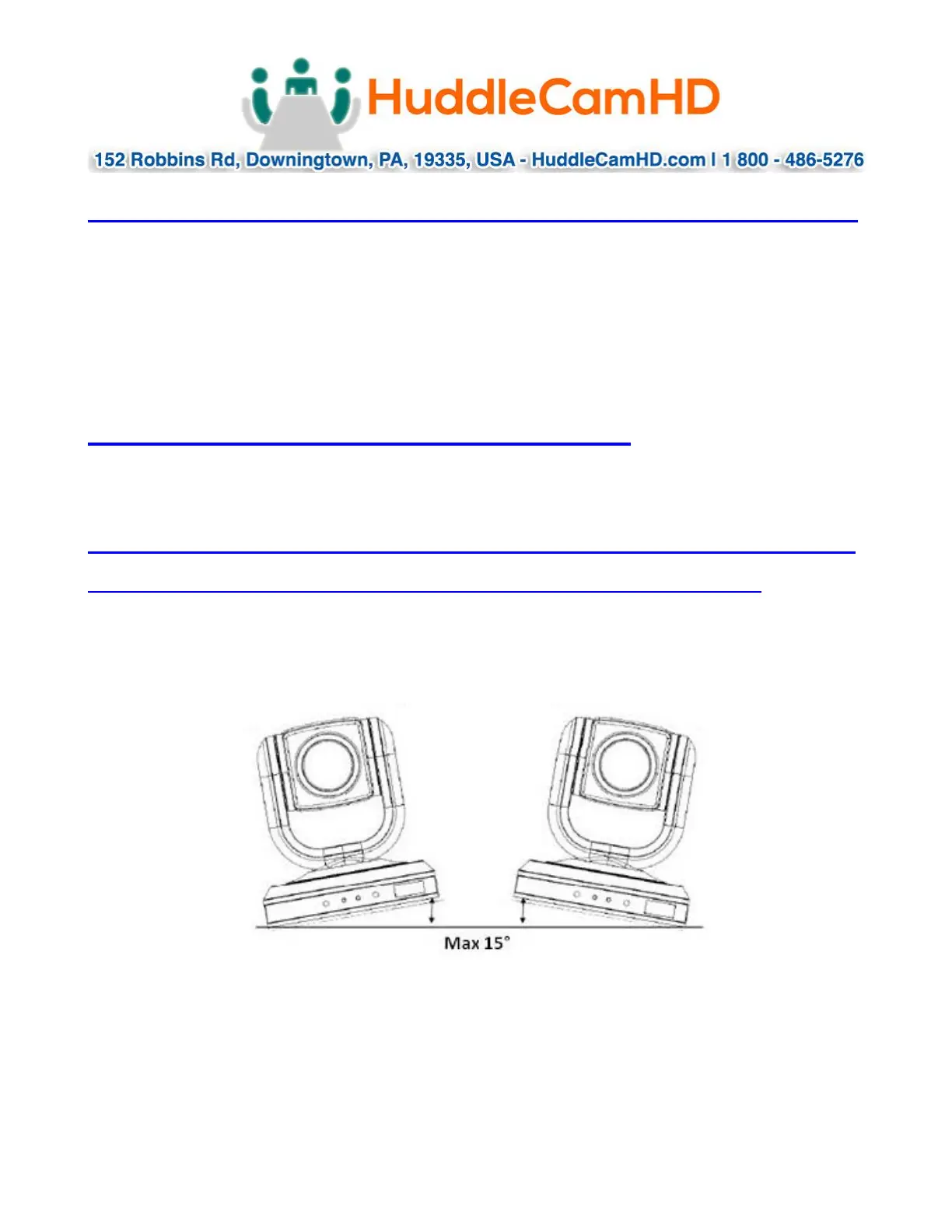
When using the HuddleCamHD camera on a desk, make sure that it will stand level. If
you want to use the camera on an incline, make sure the angle is less than 15 degrees
to ensure that the camera’s pan and tilt mechanism operates normally.


 To Next Page