Front Light
Indicator Status
Description
White Camera is on and functioning properly
Green Camera is recording
Red Camera is in an error state
Check the Camera Status tab for camera connection,
battery life and more details on the status of your device.
* We recommend placing your tripod with the Flex camera at least 10 ft.
(3 m) away from the sideline and at least 12 ft. (3.6 m) in the air.
Do not raise your Flex camera higher than 20 ft. (6.1 m) in the air.
Tripod Height & Distance Requirements
If you follow the parameters in this chart, your camera
will be able to capture the whole eld, including all four
corners and the near sideline.
Please note: To get the correct angles, the camera
cannot be set up on the endline.
Start by measuring the tripod’s distance from the eld’s
sideline—nd that measurement on the chart to learn
how high the camera needs
to be.
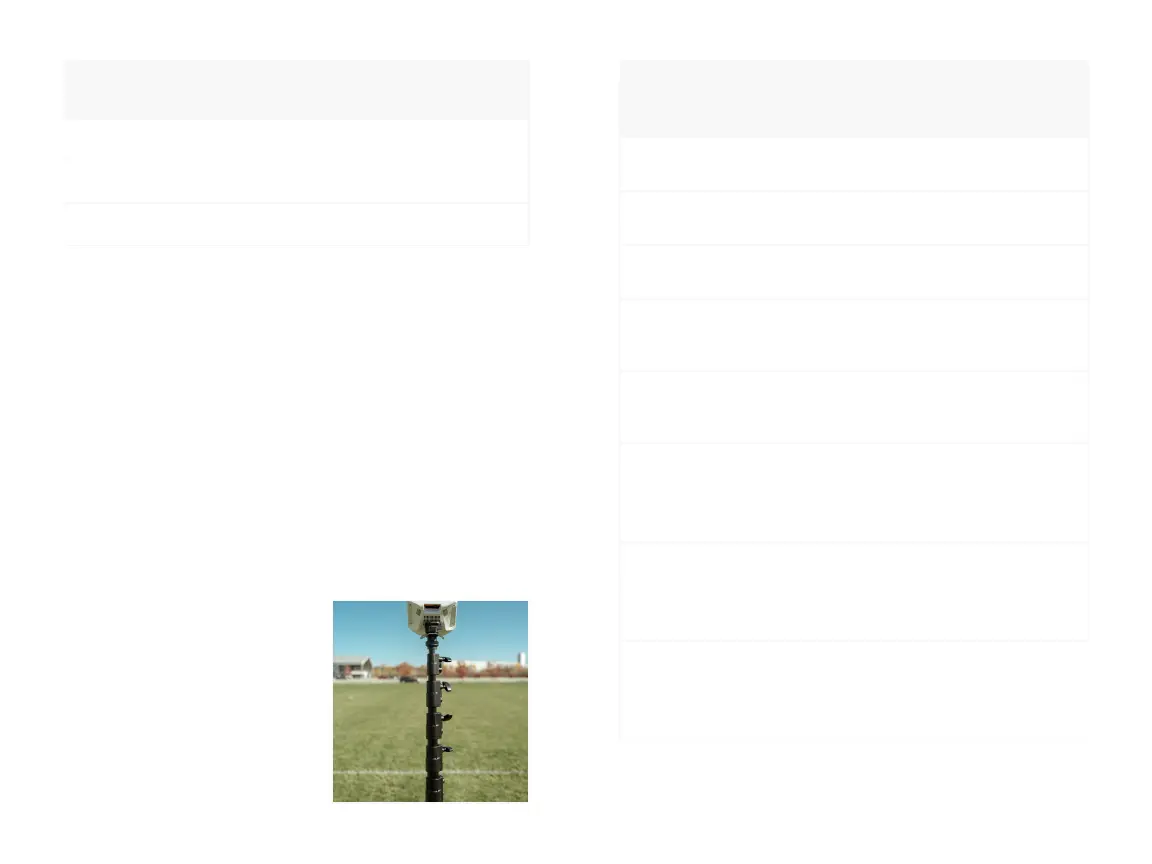
If you purchased a tripod from
Hudl, reference the letters on
each tripod section to nd the
required height combinations
in the Tripod Sections to
Raise column of the chart.
Distance to
Sideline
(feet/meters)
Required
Height
(feet/meters)
Tripod
Sections
to Raise
5-10 ft / 1.5-3 m* 12 ft / 3.6 m*
Fully extend A
Extend 2 ft (61 cm) of B
11 ft / 3.3 m 13 ft / 4 m
Fully extend A
Extend 3 ft (91 cm) of B
12 ft / 3.6 m 14 ft / 4.3 m
Fully extend A
Fully extend B
13 ft / 4 m 16 ft / 4.9 m
Fully extend A
Fully extend B
Extend 2 ft (61 cm) of C
14 ft / 4.3 m 17 ft / 5.2 m
Fully extend A
Fully extend B
Extend 3 ft (91 cm) of C
15 ft / 4.6 m 18 ft / 5.5 m
Fully extend A
Fully extend B
Fully extend C
Extend 5 in (13 cm) of D
16 ft / 4.9 m 19 ft / 5.8 m
Fully extend A
Fully extend B
Fully extend C
Extend 1.5 ft (46 cm) of D
17-20 ft / 5.2-6 m 20 ft / 6 m
Fully extend A
Fully extend B
Fully extend C
Extend 2.5 ft (76 cm) of D
A
B
C
D
12


 To Next Page
 Loading...