11/03 P/N 211644
7
3a.
1
13
20
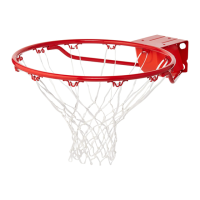
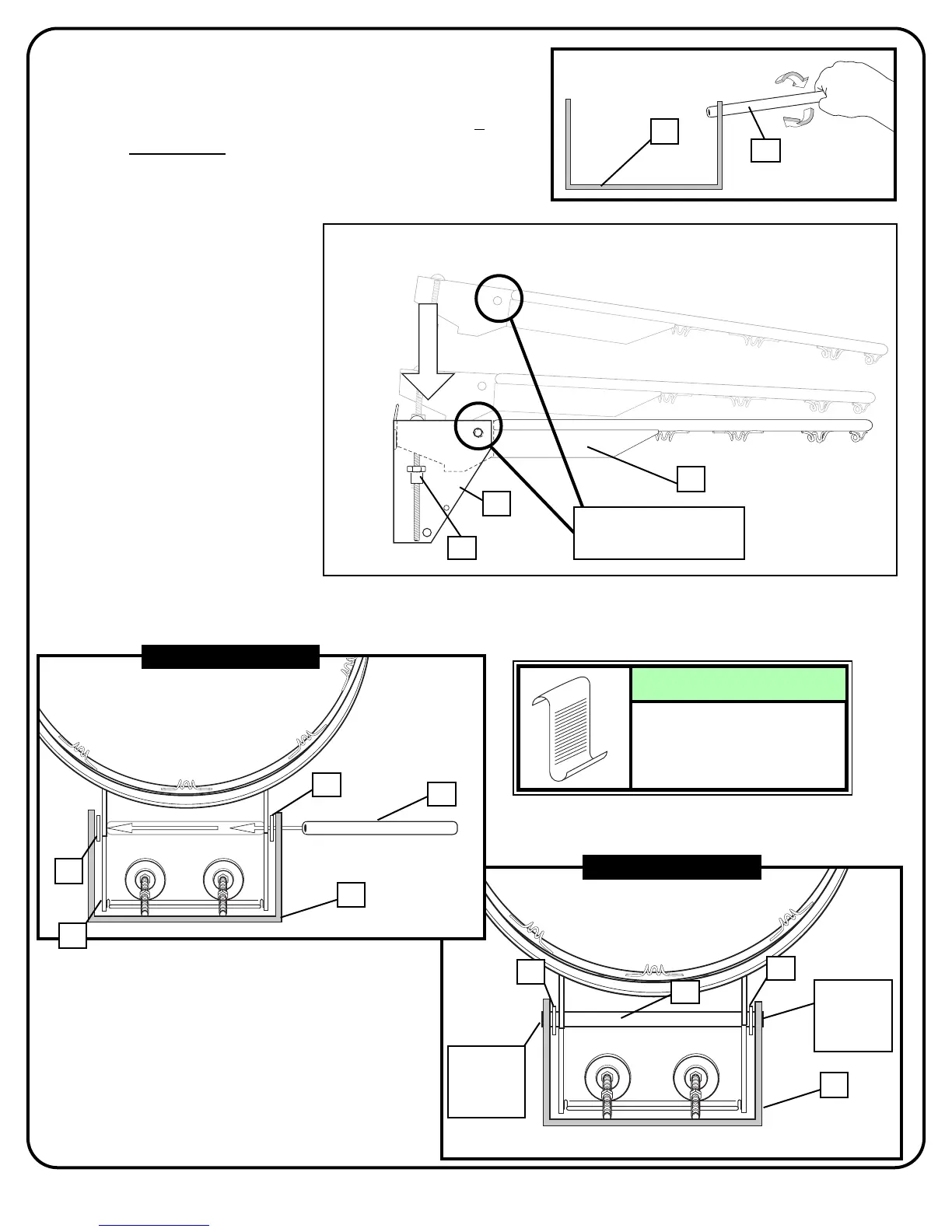
Then, insert spacer (10) through back bracket (13), nylon washers (22) and rim assembly (1).
BOTTOM VIEW
13
10
Spacer
flush with
bracket
BOTTOM VIEW
13
22
22
10
1
Ends of spacer (10) should
be flush on both sides of
board bracket (13).
NOTE:
Line up holes
22
22
Spacer
flush with
bracket
13
10
First, test fit spacer (10) into back bracket
(13) and Carefully rock in a circular motion to
ream out any excess paint from holes if
necessary.
Place rim (1) into back
bracket (13) so that the holes
are properly aligned.
3b.
3c.



 To Next Page
 Loading...