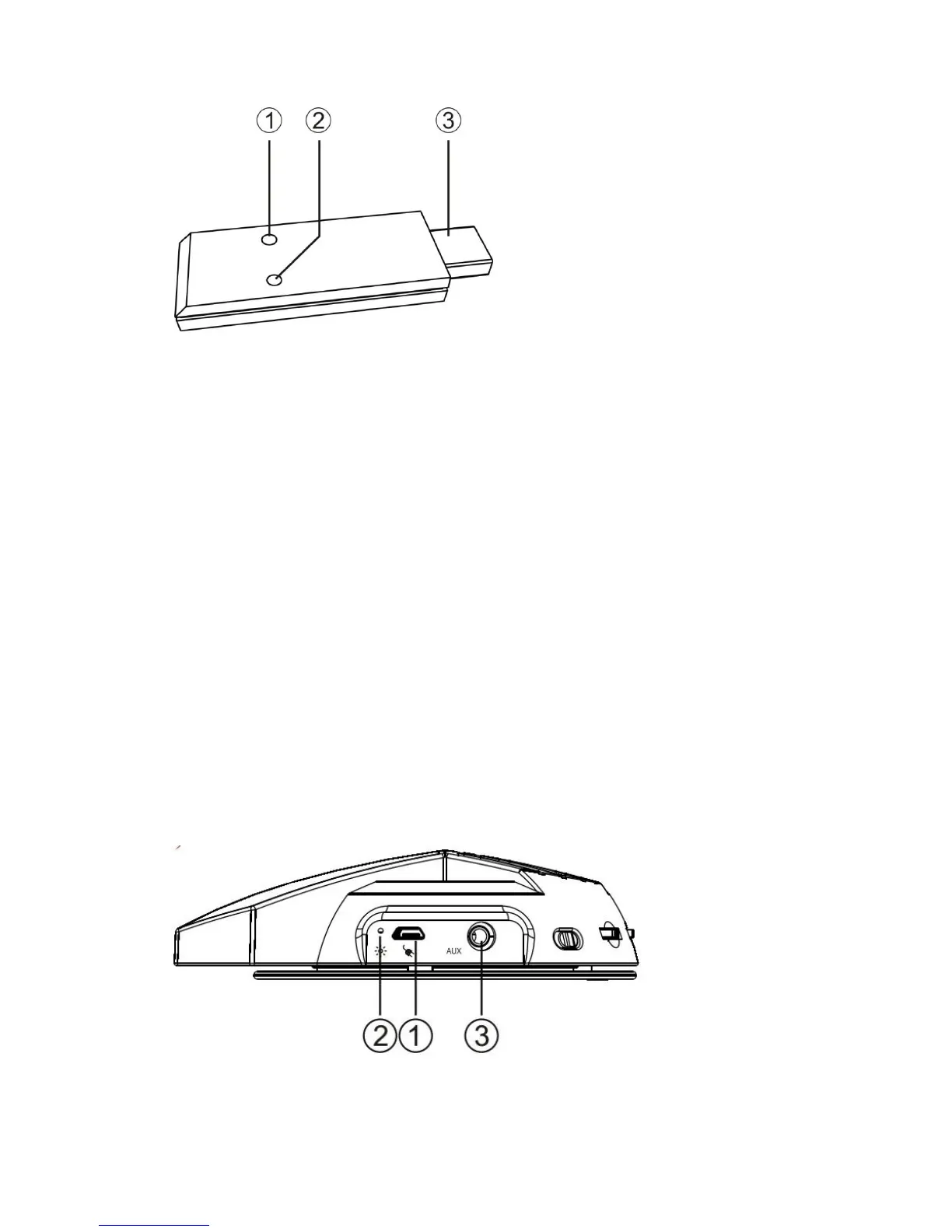
-Turn upward +: increase the volume
-Turn downward -: reduce the volume
-Middle: to press the middle to pair the headset and transmitter.
Warning:
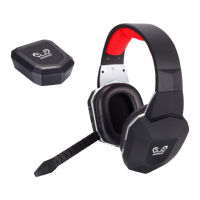
-When charge the headset, the indicator light is red;after finished charging, the
LED light is off.
-When the headset is not paired with transmitter, the LED light on headset is
flashing in blue; when they are paired well, the blue LED light is on.
-When the blue light on headset is flashing slowly and the red light on
transmitter is flashing fast, it means the battery is low and please charge the
headset promptly.


 To Next Page